Best Sublimation Printers for Beginners (2026)
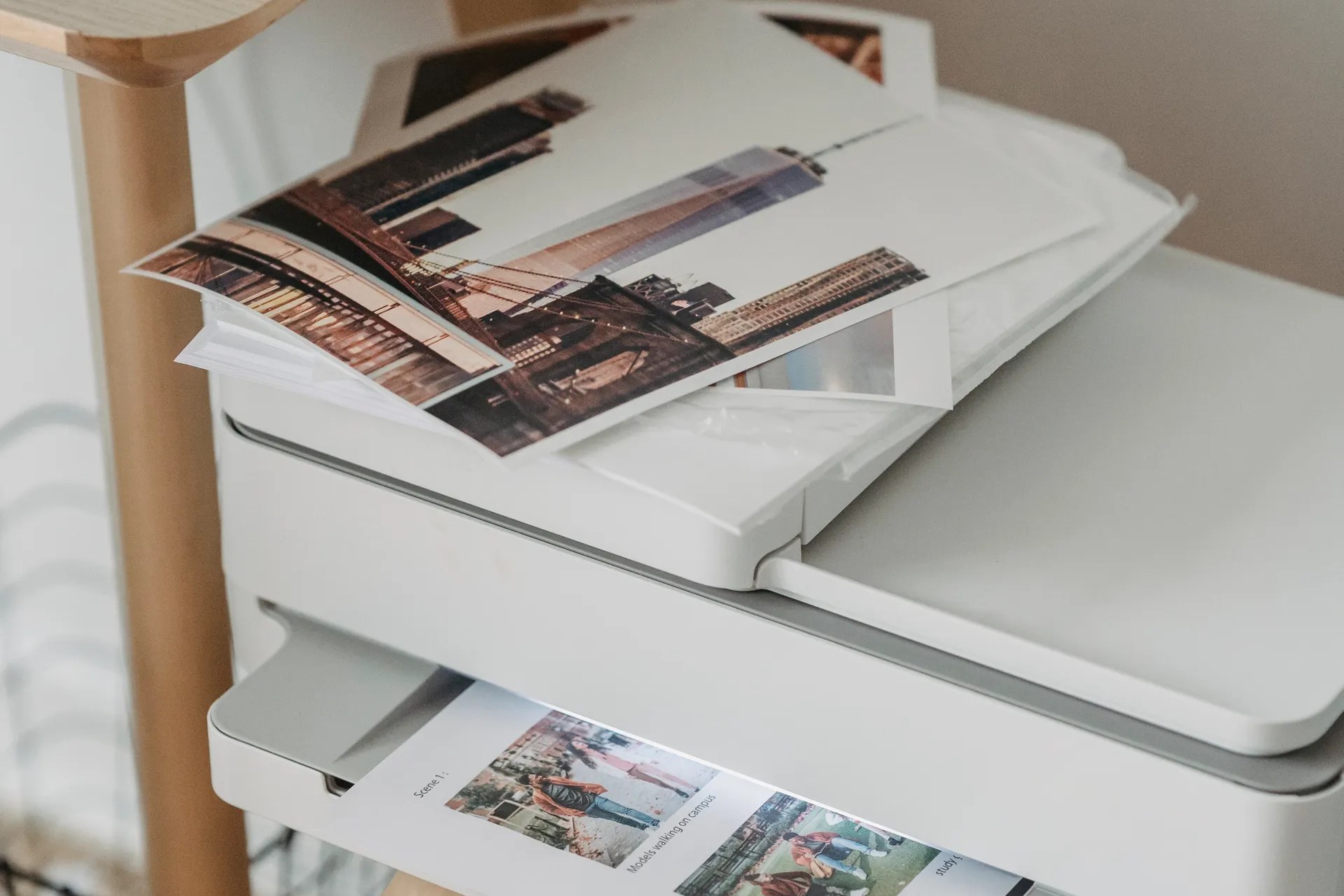
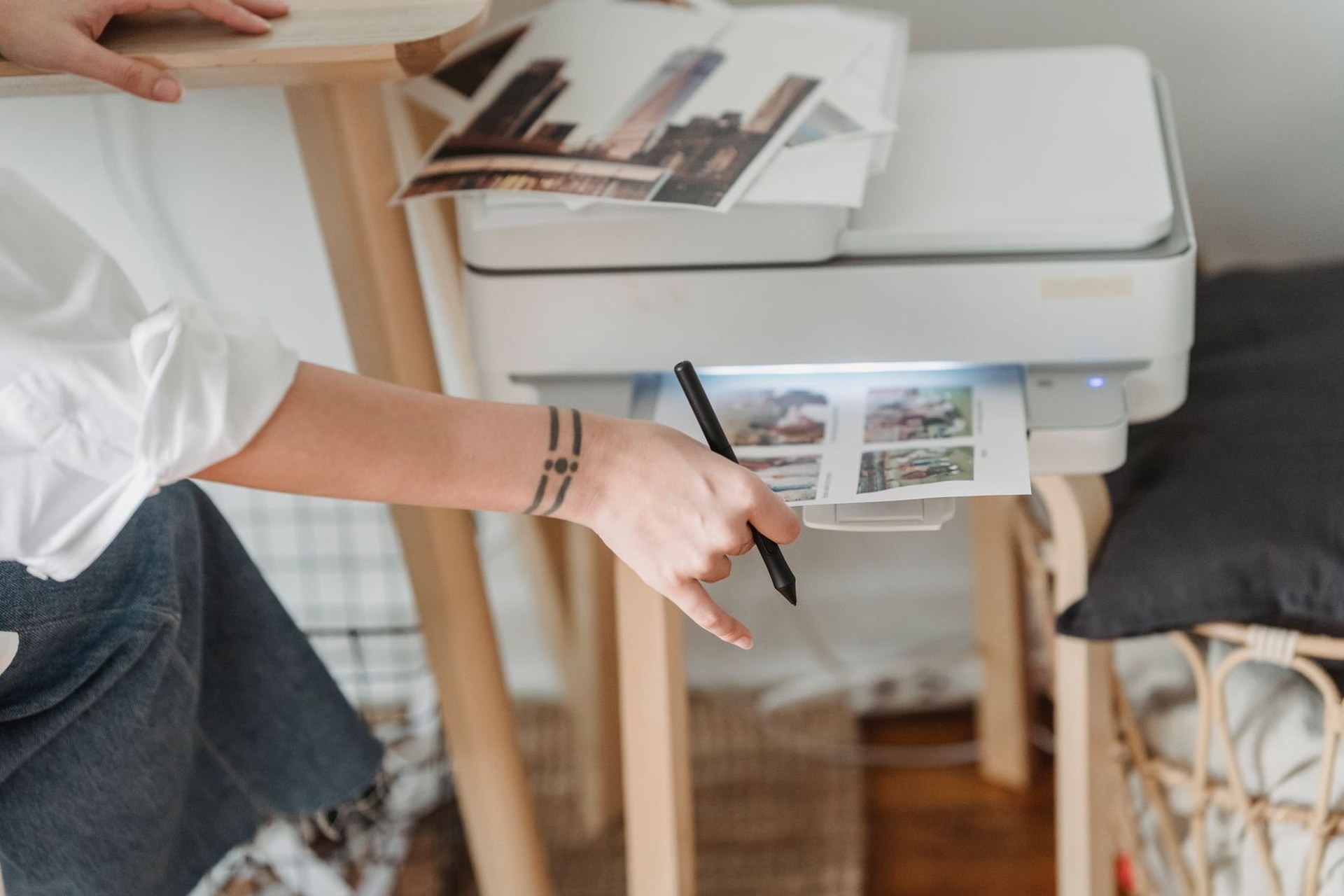
Sublimation is how small sellers put full-color, wash-proof designs on tumblers, mugs, coasters, and polyester shirts: you print a design with special dye ink on transfer paper, then a heat press turns that ink into gas that bonds into the blank itself. No cracking, no peeling, no weeding vinyl. The printer is the one purchase that decides whether the hobby feels easy or frustrating — and beginners face one big fork in the road before anything else.
That fork: a dedicated sublimation printer (Epson F170, Brother SP-1, Sawgrass) is built for dye ink, keeps its full warranty, and ships with the right ink and color profiles — at a higher price and higher ink cost. A converted EcoTank (ET-2800, ET-15000) is an ordinary inkjet you fill with third-party sublimation ink instead of the ink in the box: far cheaper to buy and run, but Epson does not support sublimation ink in it, so the warranty is effectively gone and color setup is on you. Neither answer is wrong — the six below cover both routes honestly, plus the one wide-format step-up on each side. Whichever you pick, budget for a heat press too: the printer alone cannot transfer anything.
The short answer
- Best overall for beginners: Epson SureColor F170 (~$399) — a true sublimation printer with genuine Epson dye-sub ink, built-in color profiles, and a full warranty. The no-regrets starter. Check price on Amazon →
- Best budget route: Epson EcoTank ET-2800 (~$229) — fill a brand-new unit with sublimation ink instead of the bundled ink and you are printing for roughly half the F170's price, with the cheapest ink on this list. The trade: no warranty support for sublimation use. Check price on Amazon →
- Best app-based / easiest setup: Brother SP-1 (~$400) — a dedicated sublimation printer driven by Brother's Artspira app, with full-size 47 ml ink cartridges included and ink that costs a fraction of Sawgrass per ml. Check price on Amazon →
- Best premium dedicated: Sawgrass Virtuoso SG500 (bundle ~$660) — the category standard for years: purpose-built, excellent color software, and a huge support community — paid for in the priciest ink here. Check price on Amazon →
- Best wide-format conversion: Epson EcoTank ET-15000 (~$600) — prints 13 x 19 transfers for full-front shirt designs and oversized tumbler wraps, still with cheap bottle ink. Same conversion trade-offs as the ET-2800. Check price on Amazon →
- Best wide-format step up: Sawgrass Virtuoso SG1000 (~$1,739) — 11 x 17 standard, up to 13 x 19 with the bypass tray, auto-maintenance, and the same Sawgrass software — for sellers whose order book has outgrown 8.5-inch paper. Check price on Amazon →
Epson SureColor F170 — the best overall pick
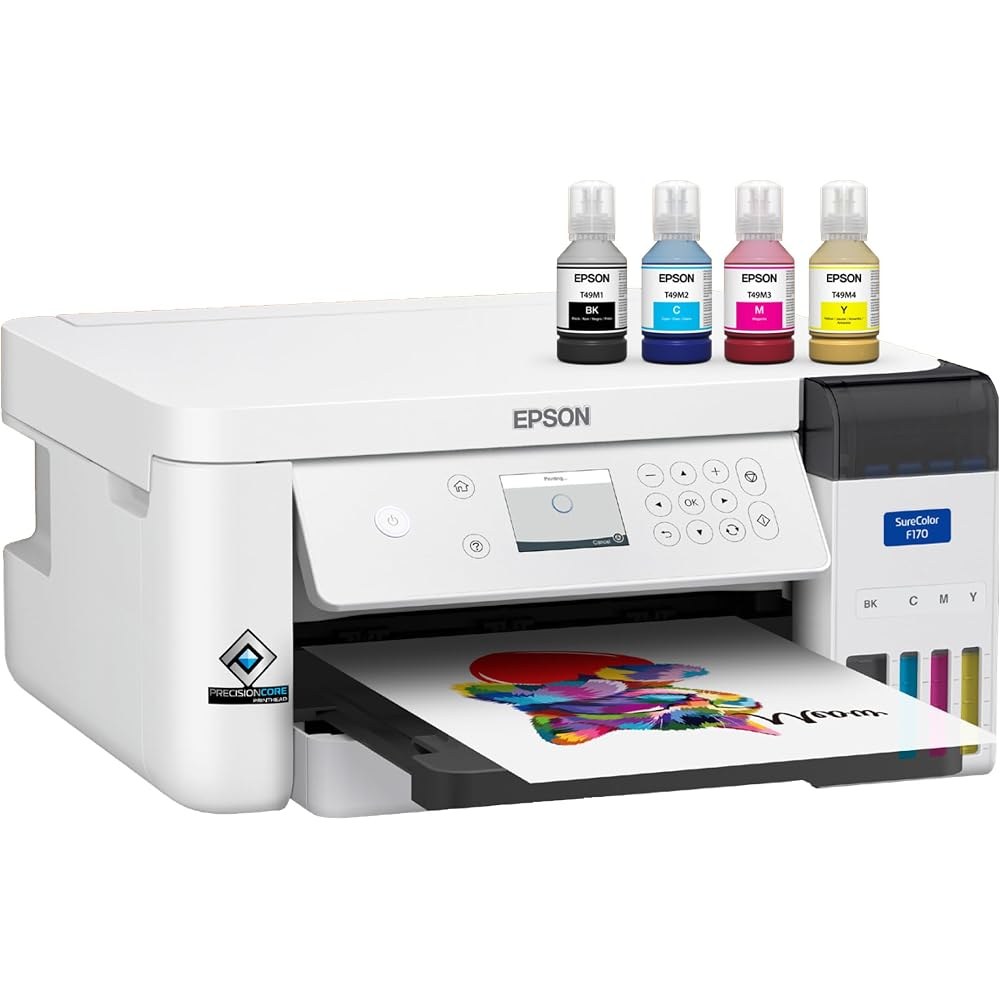
The F170 is the printer to buy if you want sublimation to just work. It is purpose-built by Epson: genuine Epson dye-sublimation ink in refill bottles (about 19 cents per ml — a fraction of cartridge ink), a 150-sheet auto-feed tray that keeps paper dust-free, prints up to 8.5 x 14 inches, and Epson's print software with sublimation color profiles built in for Mac and Windows, so colors come out right without hunting down ICC files. Because the ink is Epson's own, the 1-year warranty fully covers sublimation use — the thing no converted printer can offer. For tumblers, mugs, coasters, mousepads, and most shirt designs, 8.5-inch paper is enough, and this is the lowest-priced dedicated machine from a major brand.
Honest pros:
- True sublimation printer — full warranty, genuine ink, correct color profiles out of the box
- Cheap ink for a dedicated machine — refill bottles at roughly $0.19/ml
- 150-sheet enclosed tray — fewer dust specks and paper jams than open rear feeds
- Compact and light (about 10 lbs) — fits a craft desk, not a print shop
Honest cons:
- 8.5 x 14 inches maximum — no full-front oversized shirt prints or 13 x 19 wraps
- Print-only — no scanner or copier, unlike the EcoTanks below
- Costs roughly $170 more than converting an ET-2800 before ink
Epson EcoTank ET-2800 — the best budget route
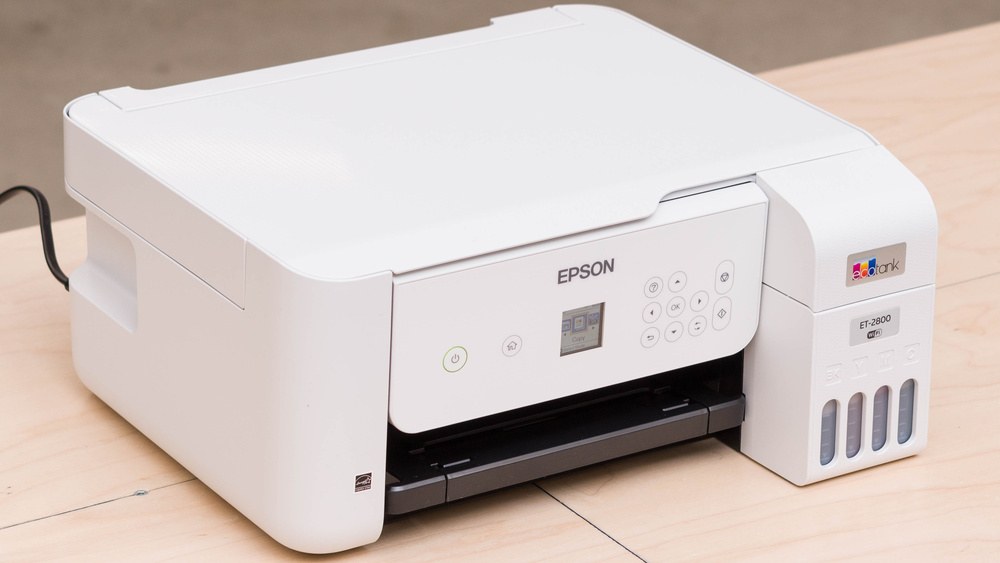
The ET-2800 is how most budget sublimation shops actually start. Buy it brand new, and instead of the Epson ink in the box, fill the tanks with third-party sublimation ink (a full set costs roughly $20–40) — the EcoTank's refillable tanks make the swap as simple as pouring. From then on your ink costs pennies per print, the cheapest running cost on this list, and you also get a scanner and copier the dedicated machines lack. The honesty part: Epson sells this as a document printer. Using non-Epson sublimation ink is not supported, warranty claims for ink-related problems can be refused, and you will spend an evening installing an ICC profile from your ink brand to get colors right. Thousands of sellers accept that trade for a ~$229 start; go in with your eyes open and never put the regular ink in first — a converted printer must start life on sublimation ink.
Honest pros:
- Cheapest way in — printer plus a set of sublimation ink for well under $300
- Bottle ink is the cheapest per print here — ideal when margins are pennies
- Scanner and copier included — handy for a general seller desk
- Prints up to 8.5 x 14 — same transfer sizes as the F170 and SP-1
Honest cons:
- Conversion is unsupported — no warranty protection for sublimation use
- Color setup is DIY — expect test prints and an ICC profile install
- Must be converted brand new — a used unit with regular ink in it is a clog risk
Brother SP-1 — the easiest setup
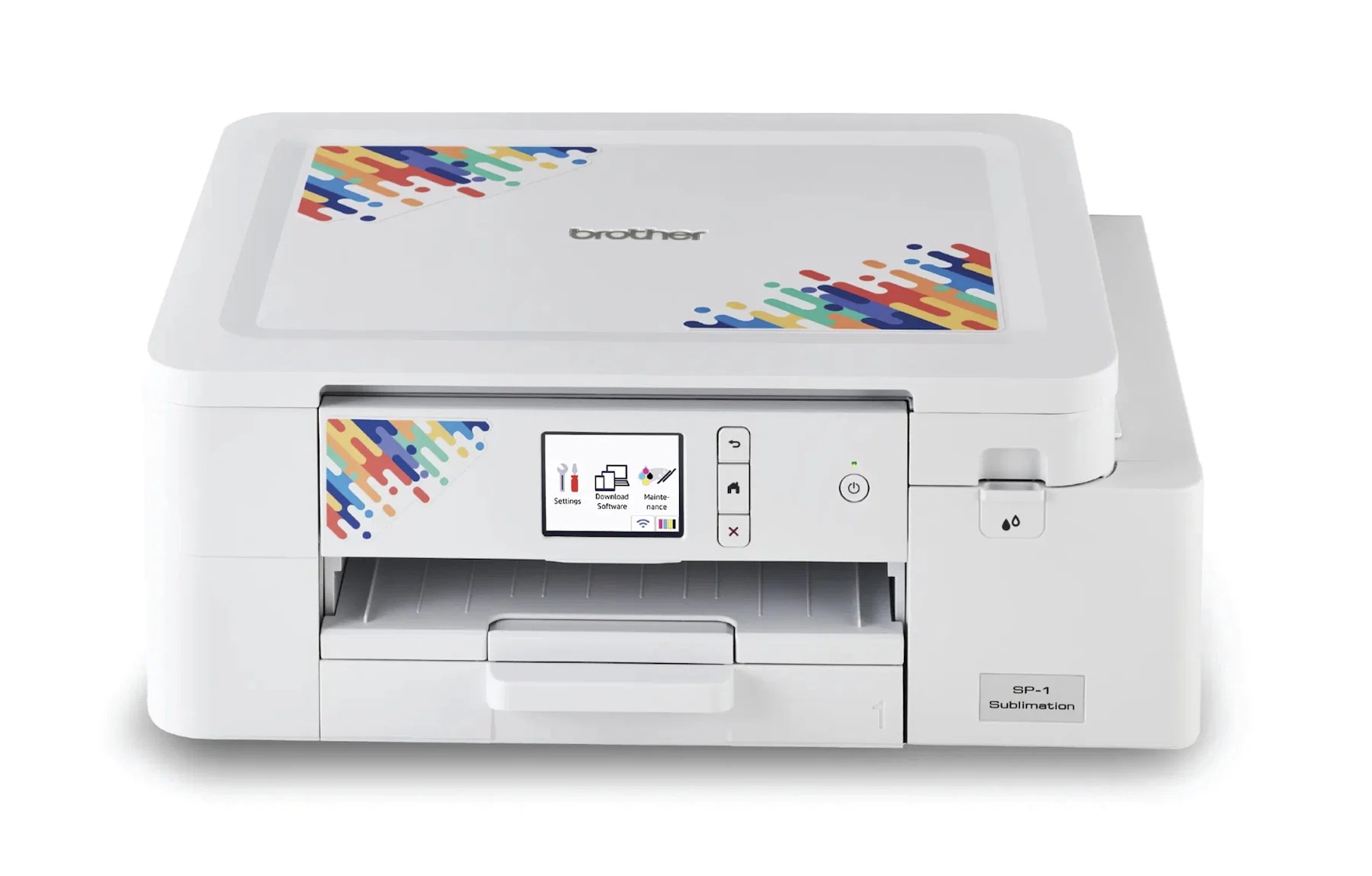
Brother built the SP-1 for crafters who design on their phone. It is a dedicated sublimation printer — full warranty, genuine ink — driven by the free Artspira app, which includes 100+ designs and handles the print settings for you. It prints a sheet in about 45 seconds, up to 8.5 x 11 (8.5 x 14 paper handling on bundles), and the box includes a full-size set of 47 ml ink cartridges, not the half-empty starters some brands ship. The ink math is the SP-1's quiet superpower: a full CMYK set runs about $106–108, around $0.56–0.64 per ml — roughly a quarter of Sawgrass ink cost — so it is the dedicated printer that does not punish you for printing a lot.
Honest pros:
- Dedicated machine with warranty — no conversion gamble
- Cheapest dedicated ink here — about $0.56/ml in a set vs ~$2.57/ml for Sawgrass
- Full-size 47 ml cartridges in the box — no immediate refill purchase
- Artspira app makes design-to-print genuinely beginner-simple
Honest cons:
- The workflow leans on the Artspira app — desktop-first designers may chafe
- Smaller user community than Epson or Sawgrass — fewer tutorials for odd problems
- Cartridges, not bottles — still pricier per ml than a converted EcoTank
Sawgrass Virtuoso SG500 — the premium dedicated pick
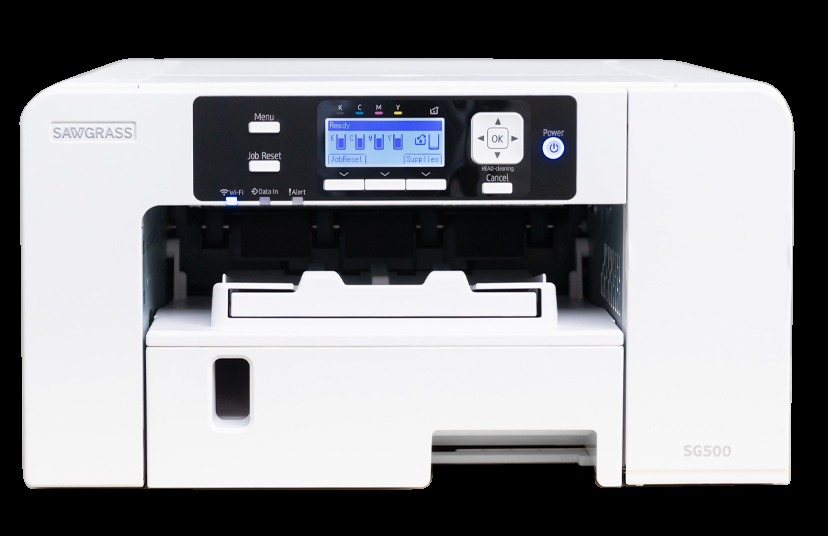
The SG500 is the machine the sublimation category was built around, and bundles (printer, SubliJet UHD inks, and TruePix paper, around $660) are still the default recommendation in seller groups. What you are paying for is the system around the printer: Sawgrass Print Utility and MySawgrass software with presets per blank, excellent color matching, Wi-Fi, prints up to 8.5 x 14 (and up to 8.5 x 51 with an optional bypass tray for banners and wraps), and the largest base of tutorials and support of any pick here. The catch is famous and real: SubliJet UHD ink is the most expensive on this list at roughly $2.57 per ml in a set — a full CMYK set is around $308 — and starter bundles include small 20 ml inks that are largely spent filling the lines at setup. Superb printer, premium fuel.
Honest pros:
- Best software and color management here — presets that remove guesswork
- Purpose-built with a 2-year warranty and lifetime Sawgrass support
- Optional bypass tray prints up to 8.5 x 51 — wraps and banners from a desktop machine
- The largest community and tutorial base in sublimation
Honest cons:
- Ink cost is the story — about $308 for a full set, ~$2.57/ml
- Starter inks are small — budget for a real set soon after setup
- Highest entry price of the 8.5-inch machines, before the ink habit
Epson EcoTank ET-15000 — the wide-format conversion
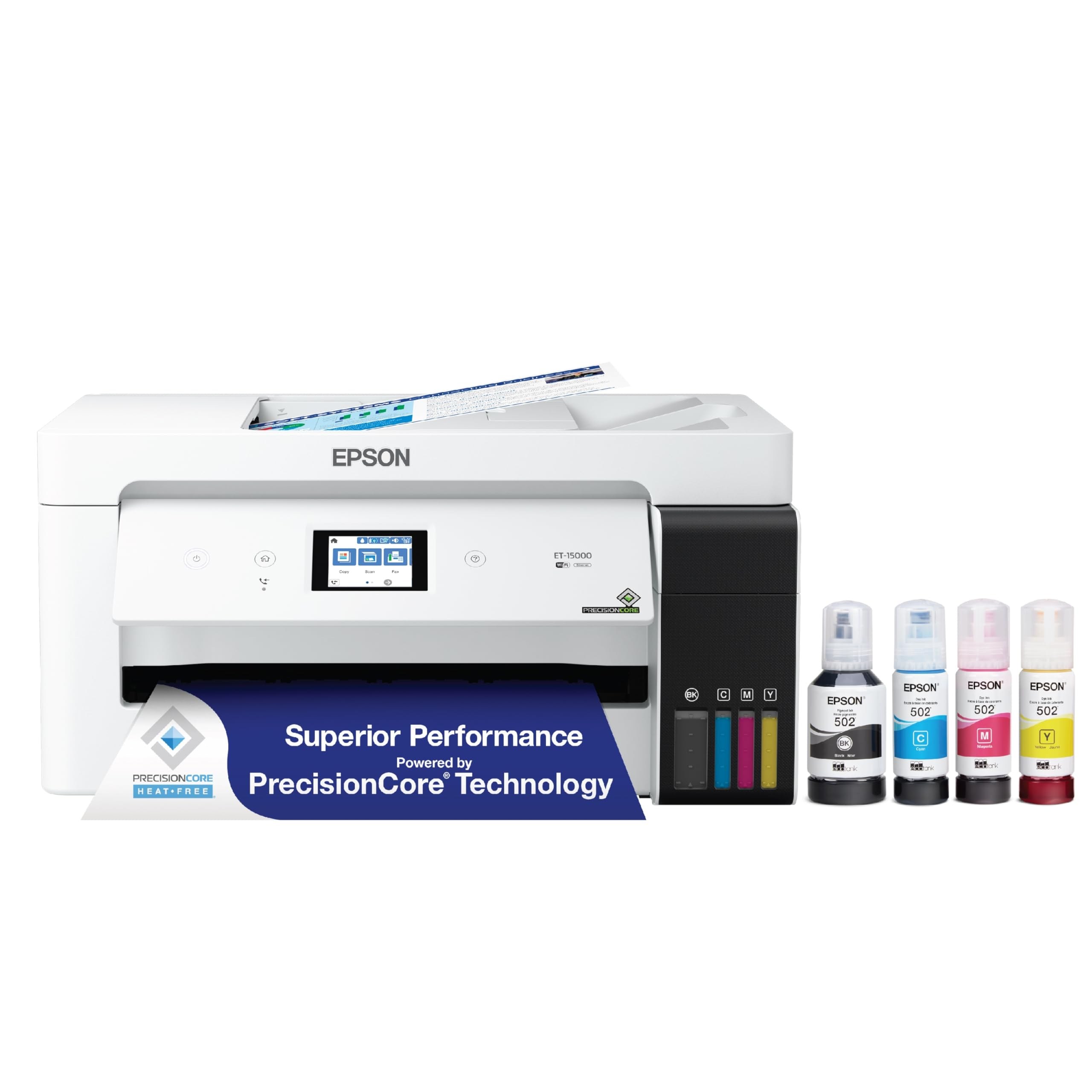
Convert the ET-15000 the same way as the ET-2800 — sublimation ink in a brand-new machine, never the bundled ink — and you get the one thing the 8.5-inch printers cannot do: 13 x 19 inch transfers. That is a full-front design on an adult shirt in one press, a full wrap on a large tumbler without a seam, and two standard designs ganged on one sheet. It is also a full all-in-one (scan, copy, fax, auto document feeder, 250-sheet tray) with the same cheap bottle-ink running costs as its little brother. The warnings are identical, too: unsupported use, no warranty cover for ink issues, DIY color profiles — plus a bigger desk footprint and a ~$600 price that buys a dedicated F170 and change. Buy it for the width, not as a default.
Honest pros:
- 13 x 19 prints — full-front shirts and seamless large wraps in one sheet
- Cheapest wide-format running costs — the same bottle ink as the ET-2800
- Full all-in-one: scan, copy, fax, ADF, and a 250-sheet tray
- Two designs per 13 x 19 sheet halves your paper cost on standard items
Honest cons:
- Same conversion trade-offs — unsupported, warranty risk, DIY color setup
- Big and heavy (about 26.5 lbs) — measure your craft space first
- ~$600 is dedicated-printer money spent on an unsupported setup
Sawgrass Virtuoso SG1000 — the wide-format step up
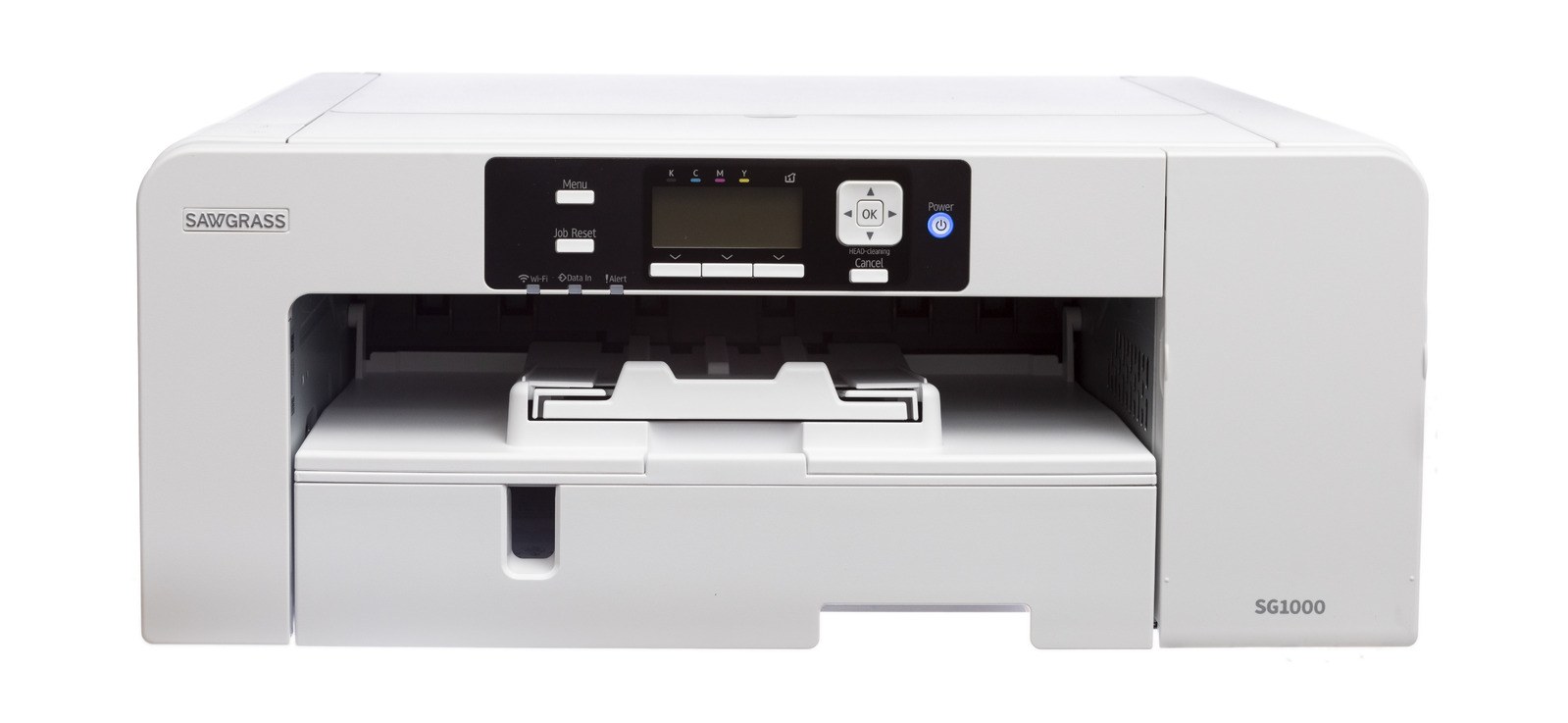
The SG1000 is not a first printer for most beginners — it is the printer this list's beginners graduate to. It prints 11 x 17 from the main tray and up to 13 x 19 (or 13 x 51 banners) with the optional bypass tray, runs the same Sawgrass Print Utility presets as the SG500, adds auto-maintenance that keeps heads clear between jobs, and handles production volume without breaking stride — all with the full Sawgrass warranty and support. At around $1,739 with inks and paper in a bundle, the math only works when orders are steady: if you are pressing shirts daily, the time saved on color guesswork and reprints pays for it; if you sell a few tumblers a week, the F170 or SP-1 plus a bigger heat press is the smarter spend. Ink is the same expensive SubliJet UHD as the SG500 — in larger 31 ml or 70 ml install options that soften, but do not remove, the per-ml sting.
Honest pros:
- 11 x 17 standard, 13 x 19 with bypass — true wide-format, fully supported
- Auto-maintenance — less clog anxiety for a production machine
- Same best-in-class Sawgrass software and presets as the SG500
- Built for volume — the step-up that ends the upgrade cycle
Honest cons:
- ~$1,739 bundle price — a business purchase, not a hobby trial
- SubliJet ink stays expensive — ~$2.57/ml at production volume adds up
- Oversized for small-item sellers — tumblers and mugs never use the width
Side-by-side
| Epson F170 | EcoTank ET-2800 | Brother SP-1 | Sawgrass SG500 | EcoTank ET-15000 | Sawgrass SG1000 | |
|---|---|---|---|---|---|---|
| Typical price | ~$399 | ~$229 | ~$400 | ~$660 bundle | ~$600 | ~$1,739 bundle |
| Type | Dedicated | Converted EcoTank | Dedicated | Dedicated | Converted EcoTank | Dedicated |
| Max print size | 8.5 x 14 in | 8.5 x 14 in | 8.5 x 11 in | 8.5 x 14 in (51 in w/ bypass) | 13 x 19 in | 11 x 17 in (13 x 19 w/ bypass) |
| Ink cost (approx.) | ~$0.19/ml bottles | Cheapest — third-party bottles | ~$0.56/ml in a set | ~$2.57/ml in a set | Cheapest — third-party bottles | ~$2.57/ml in a set |
| Warranty for sublimation | Yes, 1 year | No — unsupported conversion | Yes, 2-year limited | Yes, 2 years | No — unsupported conversion | Yes, 2 years |
| Best for | Best overall | Tight budgets | App-first beginners | Premium support & software | Wide prints, cheap ink | Growing shops |
How to choose
Decide dedicated vs converted first — it is really a warranty decision. Dedicated machines (F170, SP-1, SG500, SG1000) cost more to buy and, except for the F170, more to run, but the maker stands behind sublimation use and the color profiles are done for you. Conversions (ET-2800, ET-15000) are dramatically cheaper per print and perfectly capable — sellers run whole shops on them — as long as you accept that an ink-related failure is your problem and your first evening goes to color setup. Nervous beginner with a real budget? Dedicated. Confident tinkerer counting pennies per tumbler? Converted.
Run the ink math, not just the sticker math. Over a year of regular printing, ink can cost more than the printer. Per ml, roughly: converted EcoTank (pennies) < F170 bottles (~$0.19) < Brother SP-1 (~$0.56) < Sawgrass (~$2.57). A Sawgrass owner printing daily can spend an F170's price in ink alone — which is fine if the software and support save equal time, and a nasty surprise if nobody told you.
Match paper width to your blanks. Tumblers, mugs, coasters, and most tees fit 8.5-inch paper — do not pay for width you will not use. Full-front adult shirts, oversized wraps, and ganging two designs per sheet are the real reasons to step up to the ET-15000 or SG1000. And remember the press: a transfer is only as big as your heat press platen, so pair a wide printer with at least a 15 x 15 press — our heat press guide covers the options.
Print something every week. Sublimation ink dries in print heads that sit idle, on every machine here. A weekly nozzle check and one small print is the cheapest maintenance there is; a printer bought for a seasonal rush and shelved for three months is the most common beginner clog story. If your selling is seasonal, the auto-maintenance on the SG1000 — or simply a calendar reminder — matters more than any spec on this page. When your first products are ready, photograph them with our product photography lighting guide and ship them with our packaging supplies guide.
FAQ
Can I sublimate with a regular printer I already own?
Only if it is a refillable-tank Epson EcoTank that has never had regular ink in it — and even then, converting a used printer is a clog gamble most sellers lose. Cartridge inkjets (Canon, HP, and cartridge Epsons) cannot be converted reliably: sublimation ink needs the EcoTank's tank system or a printer built for it. If your current printer has ever printed a document, buy a dedicated machine or a new EcoTank.
Does converting an EcoTank really void the warranty?
Epson does not support sublimation or third-party ink in EcoTank printers, and ink-related warranty claims can be refused — treat the warranty as gone for anything the ink touches. The printer itself rarely fails in year one, which is why so many sellers accept the risk at the ET-2800's price, but it is a real trade-off, not a myth invented to sell dedicated machines.
What else do I need besides the printer?
A heat press (a 15 x 15 swing-away is the standard starter), sublimation paper matched to your printer, heat-resistant tape, butcher paper, and sublimation blanks — polyester shirts (at least 65% polyester; 100% prints brightest) or polymer-coated mugs, tumblers, and coasters. Sublimation does not work on plain cotton or uncoated ceramics, whatever a listing implies.
Why do my prints look dull on paper but bright after pressing?
That is normal — sublimation ink looks muted on transfer paper and only reaches full color when heat turns it to gas and it bonds into the blank. Judge a printer by the pressed result, never by the sheet. If the pressed result is also dull, the usual causes are too little time, temperature, or pressure in the press — not the printer.
Which printer should a total beginner buy?
The Epson F170 if the budget allows: dedicated, warrantied, cheap ink, correct colors from day one. The ET-2800 conversion if it does not: half the entry cost and the cheapest prints in the category, with the warranty and setup trade-offs above. The Brother SP-1 splits the difference for app-first crafters, and the Sawgrass pair earns its premium when software support and volume matter more than ink bills.