Best Sticker Printers for Etsy Sellers (2026)
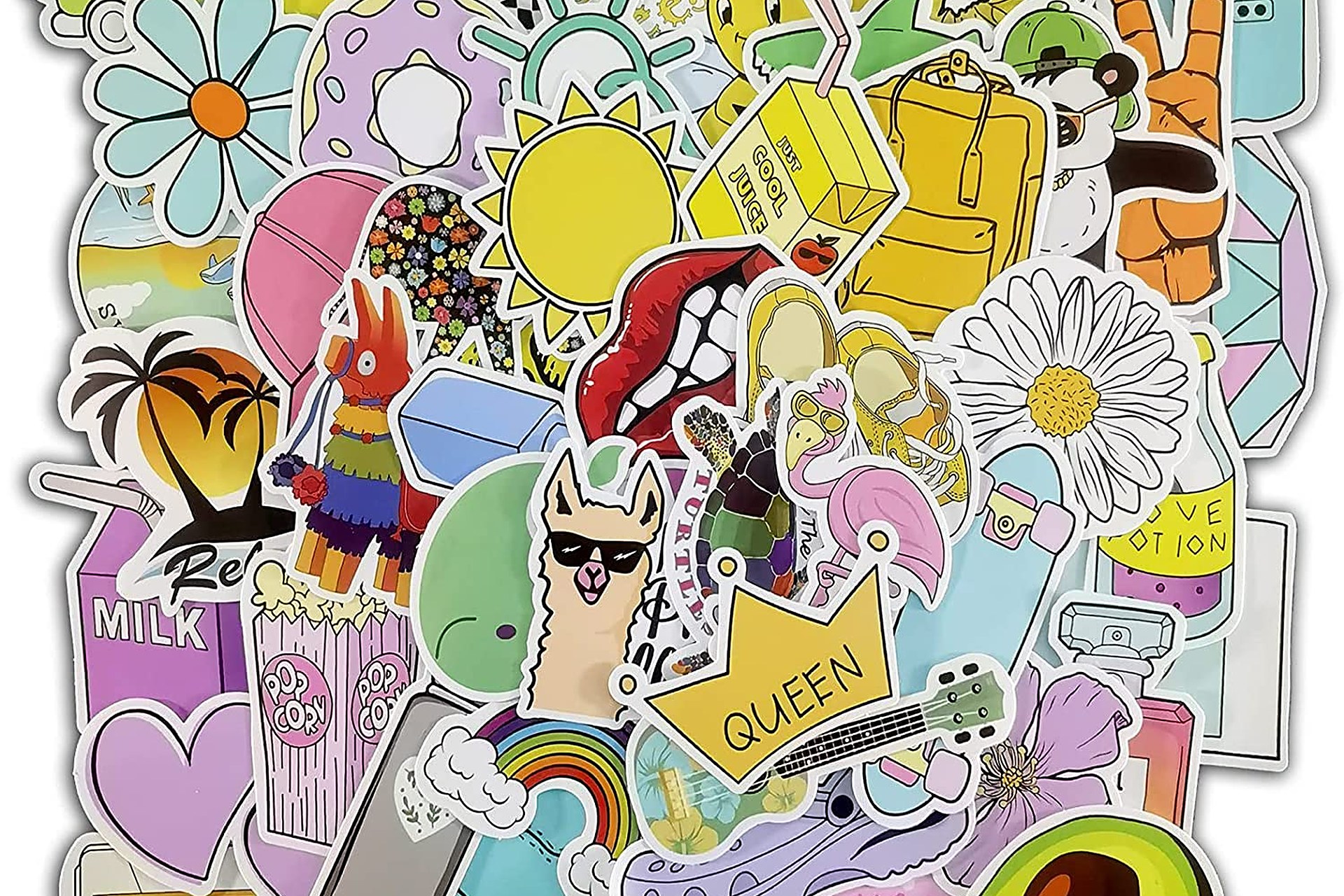
A sticker shop lives or dies on two numbers: how good the colors look on the sheet, and how little each sheet costs to print. That is why the right sticker printer is almost never a cartridge printer. Sticker sheets are full-coverage color — a single sheet can drain a cartridge faster than a month of documents — so every serious pick below is a refillable ink-tank printer (or, in one case, a craft printer built for exactly this work), where a full set of ink bottles costs less than one set of cartridges and prints thousands of pages.
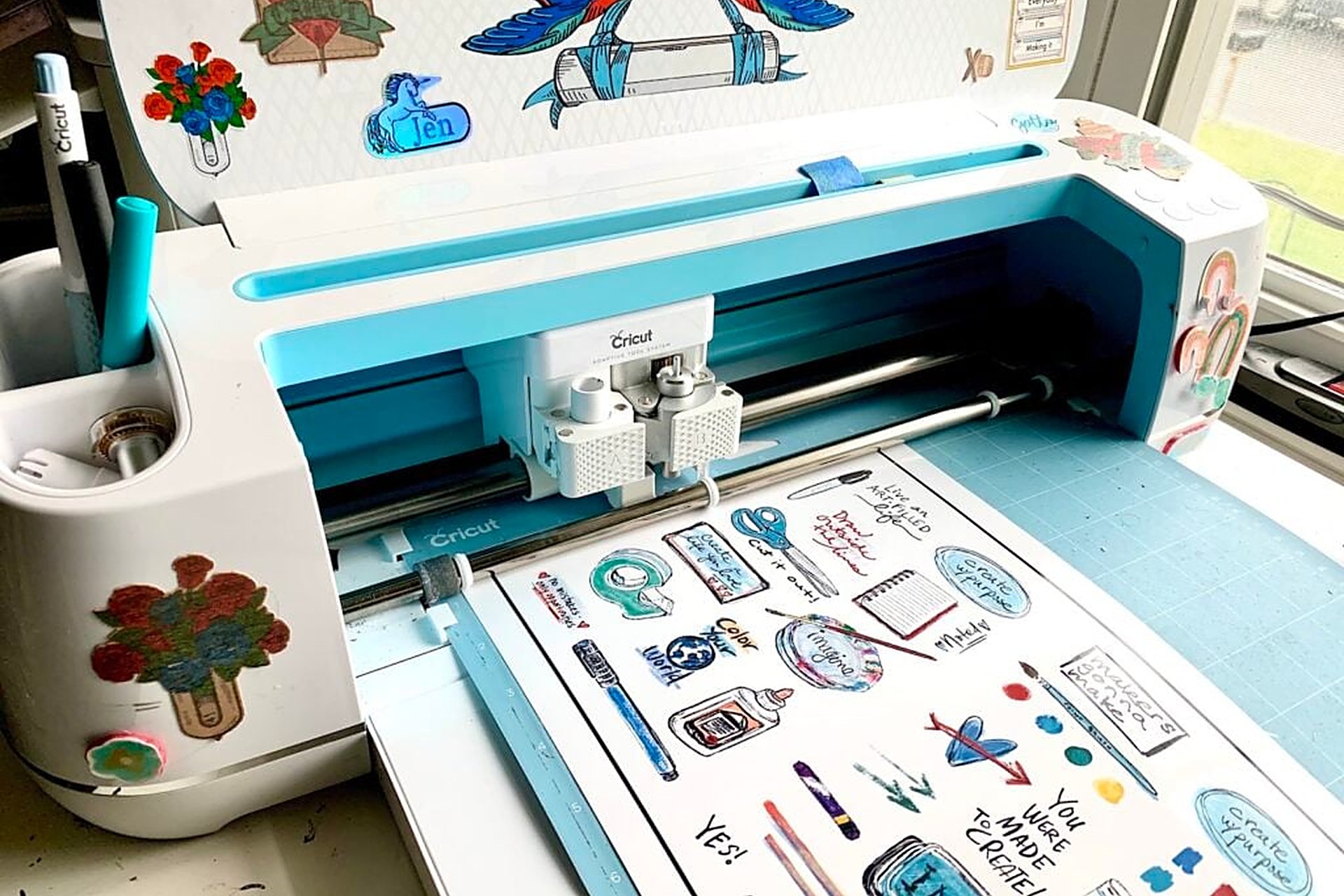
One clarification before the list: these are printers for sticker sheets and printable vinyl — the planner stickers, die-cut designs, and sticker packs Etsy buyers order — printed on 8.5 x 11 media and then cut on a Cricut or Silhouette (or by hand). They are not thermal label printers: thermal machines print black-only shipping and product labels, which our label printer guide covers separately. For stickers, you want a color inkjet that feeds thicker sticker stock without jamming, lays down saturated color, and keeps ink costs low enough that a $4 sticker pack still has margin in it. The six below are the ones that do that job at every budget.
The short answer
- Best overall: Epson EcoTank ET-2850 (~$250) — the sticker-shop default: cheap bottle ink, sharp color on matte and glossy sticker paper, auto 2-sided printing, and a scanner for digitizing hand-drawn designs. Check price on Amazon →
- Best budget: Epson EcoTank ET-2800 (~$229) — nearly the same print quality and the same cheap ink as the ET-2850, minus auto-duplex and a few conveniences. The cheapest sensible way to open a sticker shop. Check price on Amazon →
- Best for crafters / 12 x 12: Canon PIXMA TS9521Ca (~$249) — the only pick that prints borderless 12 x 12, with 5 individual inks and a rear tray that handles thicker craft stock. Cartridge ink costs more per sheet — pick it for the format, not the running cost. Check price on Amazon →
- Best Canon tank alternative: Canon PIXMA G7020 MegaTank — refillable tanks, an auto document feeder, and Canon's slightly warmer color for sellers who prefer the Canon ecosystem or print documents alongside stickers. Check price on Amazon →
- Best for volume: HP Smart Tank 7301 (~$285) — up to 2 years of ink in the box (about 6,000 black / 8,000 color pages), a 250-sheet tray, and auto-duplex for shops printing sheets every day. Check price on Amazon →
- Best color / wide format: Epson EcoTank Photo ET-8550 (~$600) — 6-color Claria ET Premium ink for gradients and art stickers that actually pop, borderless up to 13 x 19, still with cheap bottle ink. The premium pick for art-led shops. Check price on Amazon →
Epson EcoTank ET-2850 — the best overall pick
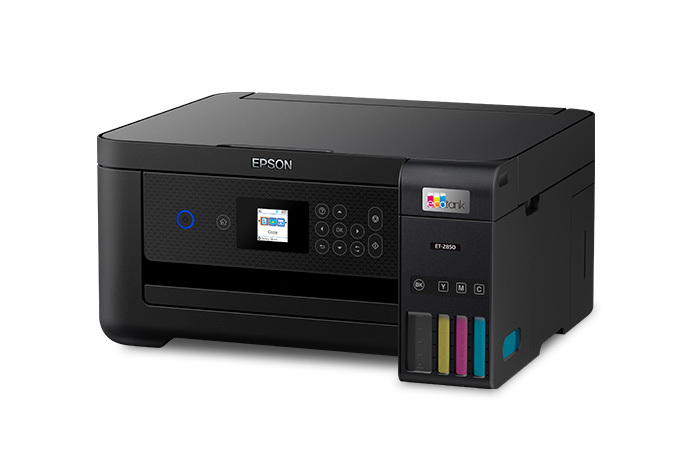
If you ask a room of Etsy sticker sellers what they print on, this is the machine most of them name. The ET-2850 is a cartridge-free supertank: you fill four visible tanks from Epson 522 ink bottles, and a full set prints up to roughly 4,500 black and 7,500 color pages — which translates to hundreds of full-color sticker sheets before you spend another ~$60–70 on ink. Color on matte sticker paper is saturated and edges stay crisp at its 5760 x 1440 dpi maximum, which is what print-then-cut registration marks need to read reliably. It adds the things a working shop actually uses over the cheaper ET-2800: automatic 2-sided printing (for backing cards and inserts), a 1.44-inch color display, voice-activated and app printing, and a flatbed scanner for turning hand-drawn artwork into digital designs. For a first dedicated sticker printer, this is the no-regrets buy.
Honest pros:
- Cheapest cost per sticker sheet here alongside the ET-2800 — bottle ink, not cartridges
- Sharp, saturated color that cutting machines read cleanly for print-then-cut
- Auto 2-sided printing plus scan/copy — a complete small-shop station
- Rear and front paper handling feeds standard sticker stock reliably
Honest cons:
- Dye-based color ink is not waterproof on its own — vinyl stickers for water bottles need a laminate layer or waterproof media
- Prints up to 8.5 x 14 only — no oversized sheets
- Small display and no auto document feeder — scanning is one page at a time
Epson EcoTank ET-2800 — the best budget pick
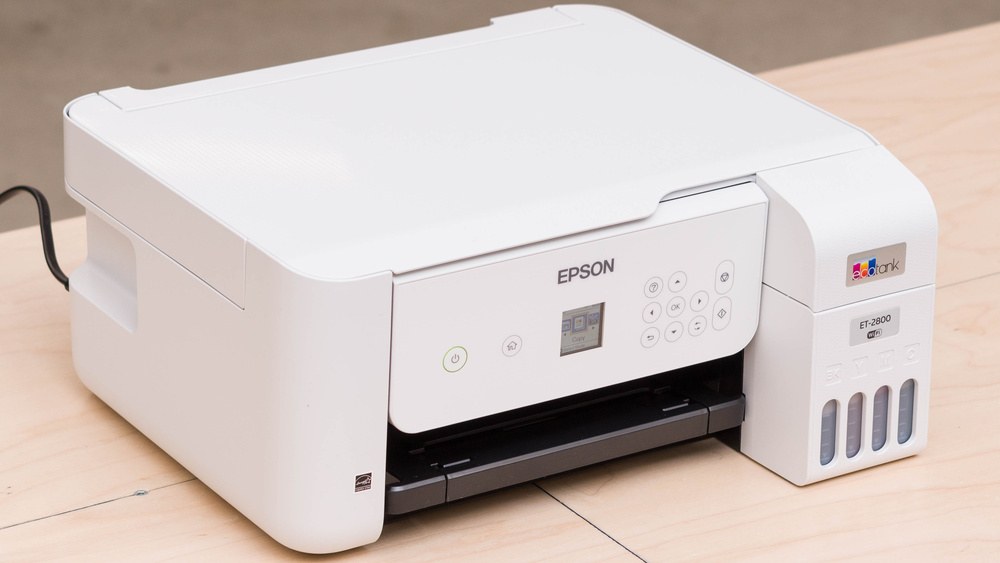
The ET-2800 is the ET-2850's print engine in a simpler box, and for pure sticker output the sheets coming out of the two machines are very hard to tell apart: same 522 bottle ink, same headline yields (up to 4,500 black / 7,500 color pages per fill), same sharp color on sticker paper. What you give up for the lower price is convenience, not print quality — no automatic 2-sided printing, a smaller basic display, and no voice/app extras worth writing home about. For a new shop testing whether stickers sell before committing real money, that is exactly the right trade: your ink cost per sheet — the number that decides your margins — is identical to the best overall pick. It is also the fallback recommendation if the ET-2850 is out of stock, which happens.
Honest pros:
- Lowest entry price of any tank printer worth buying for stickers
- Same cheap 522 bottle ink and yields as the ET-2850 — identical running costs
- Compact footprint for a craft desk; scan and copy included
- Proven in thousands of small sticker shops — settings advice is everywhere
Honest cons:
- No auto-duplex — backing cards and inserts are a manual flip
- Basic controls and a small monochrome-style display feel dated
- Same dye-ink waterproofing caveat — laminate outdoor or water-bottle stickers
Canon PIXMA TS9521Ca — the 12 x 12 craft pick
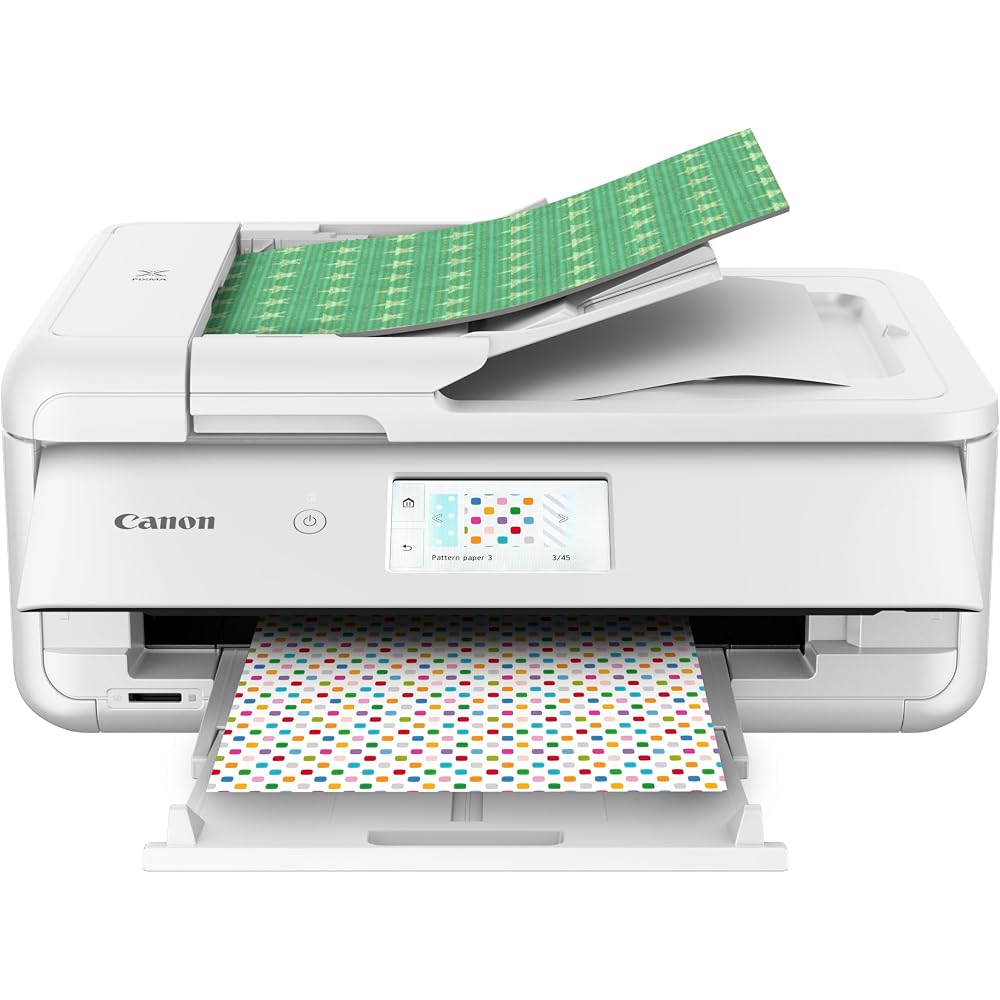
The TS9521Ca (the current version of Canon's TS9521C crafting printer) exists for one reason the tank printers cannot match: it prints borderless up to 12 x 12 inches — scrapbook size — so a single sheet can carry a full planner spread, oversized decals, or a ganged layout no letter-size printer fits. It is a 5-ink cartridge machine (including a pigment black for crisp lines), with a 4.3-inch touchscreen, a rear tray that takes thicker craft stock and sticker media more gracefully than front cassettes, an oversized flatbed that scans 12-inch artwork, 45 built-in patterns, and auto 2-sided printing. The honest trade is running cost: Canon's PGI-280/CLI-281 cartridges cost far more per sticker sheet than any tank on this list. If your designs need the 12-inch format, nothing else here substitutes. If they do not, buy a tank and bank the difference.
Honest pros:
- Borderless 12 x 12 printing — unique on this list, ideal for planner and scrapbook formats
- Rear feed handles thicker sticker stock, cardstock, and specialty media well
- 5 individual inks — replace only the color that runs out
- Oversized scanner and a genuinely good 4.3-inch touchscreen
Honest cons:
- Cartridge ink is the most expensive per sheet here by a wide margin
- Slower than the tank picks on long runs of identical sheets
- Big footprint for its class — it needs a dedicated spot on the desk
Canon PIXMA G7020 MegaTank — the Canon tank alternative
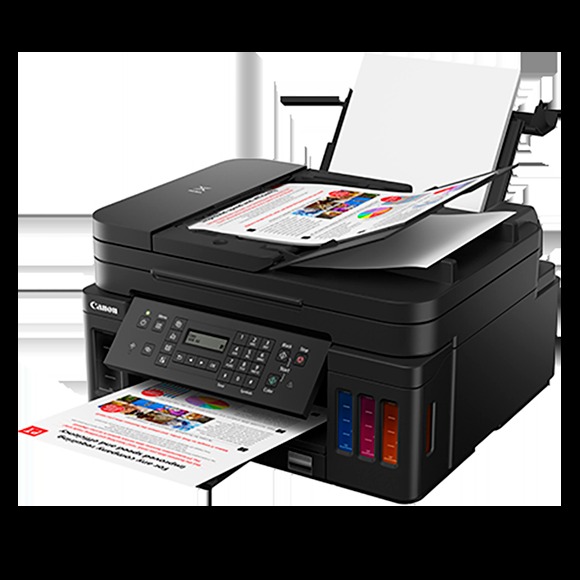
The G7020 is Canon's answer to the EcoTanks: a MegaTank all-in-one you refill from GI-20 ink bottles, rated up to 6,000 black and 7,700 color pages per set, with print, scan, copy, and fax plus a 35-sheet auto document feeder the Epsons here lack. For stickers specifically, Canon's color tends to run a touch warmer and its matte-paper output is excellent — some sellers simply prefer how their palette looks off a Canon, which is a legitimate reason to choose it, since you will be looking at the sheets all day. It also doubles as the shop's office printer better than anything else on this list: 250-sheet cassette, Ethernet, and auto 2-sided printing. The sticker-specific caveats are a smaller seller community to borrow settings from (most sticker-paper profiles and troubleshooting threads assume an EcoTank) and a rear tray that holds less specialty stock at a time.
Honest pros:
- Refillable MegaTank ink — bottle running costs in line with the EcoTanks
- Auto document feeder, Ethernet, fax, and a 250-sheet cassette — the best office double-duty pick
- Excellent matte sticker-paper color with Canon's warmer rendering
- Auto 2-sided printing for inserts and backing cards
Honest cons:
- Fewer sticker-shop settings guides and paper profiles than the Epson ecosystem
- Slower first-page and color speeds than the ET-2850 on long sheet runs
- Dye color ink — same laminate advice for waterproof stickers
HP Smart Tank 7301 — the volume pick
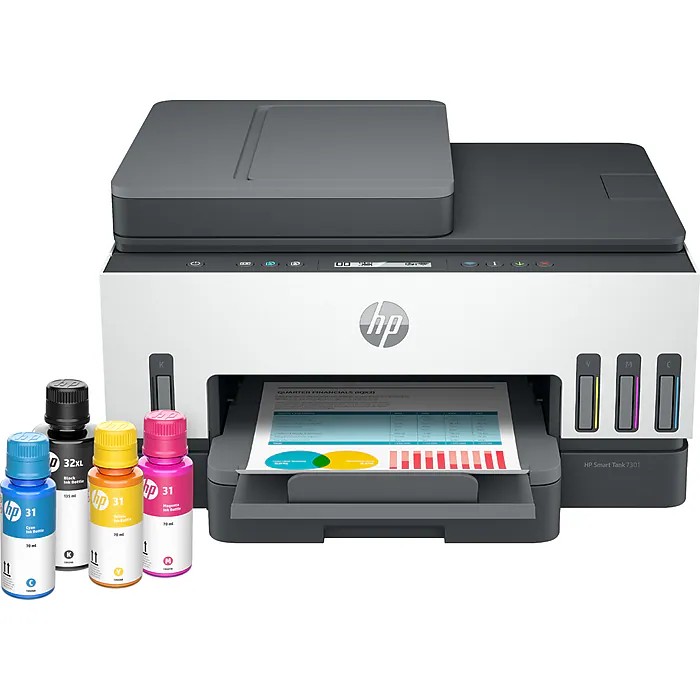
The Smart Tank 7301's pitch is printed on the box: up to 2 years of ink included — one HP 32XL black bottle and HP 31 color bottles rated for about 6,000 black and 8,000 color pages before you buy ink again. For a shop printing sticker sheets daily, that bundled ink is real money, and the machine around it is built for throughput: a 250-sheet input tray (the largest here), automatic 2-sided printing, an auto document feeder, Ethernet as well as Wi-Fi, and HP's Smart app for printing from a phone between packing orders. Sticker output is strong on matte and glossy media, with crisp text for tiny planner-sticker lettering. Two honest caveats: HP's ink bottles cost a little more than Epson's 522 when you finally do refill, and the Smart Tank line's printheads are user-replaceable cartridges — convenient when one clogs, but a consumable cost the Epsons do not have.
Honest pros:
- Up to 2 years of ink in the box — the lowest first-two-years cost here
- 250-sheet tray and auto-duplex — built for daily sheet volume
- ADF, Ethernet, and a good mobile app for a busy packing station
- Replaceable printheads — a clog is a swap, not a repair bill
Honest cons:
- Refill bottles cost more than Epson 522 ink once the bundled ink runs out
- Printheads are a consumable — budget for eventual replacements
- Color gradients are a step behind the 6-ink ET-8550 for art-heavy designs
Epson EcoTank Photo ET-8550 — the best color, wide format
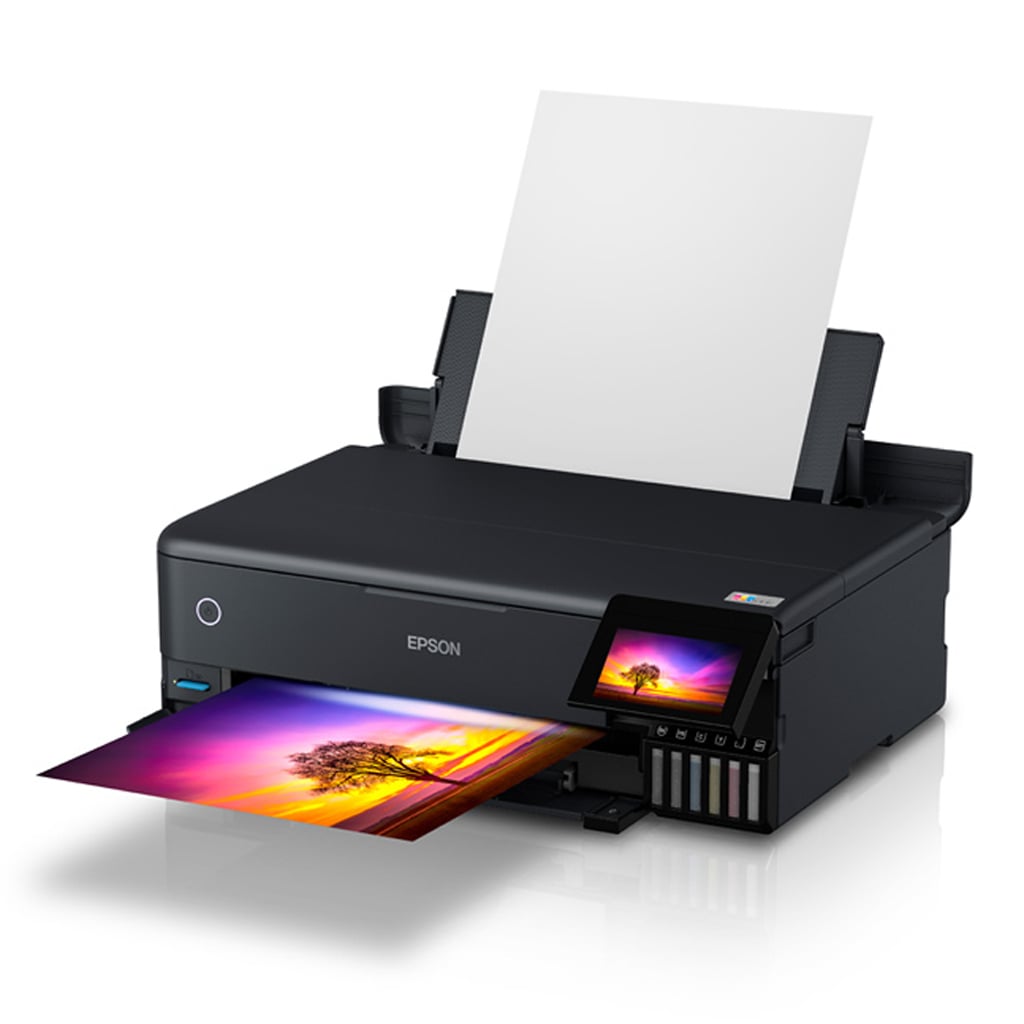
The ET-8550 is what art-led sticker shops graduate to. Instead of four inks it runs Epson's 6-color Claria ET Premium system (adding photo black and gray), which is visibly better at the things sticker art lives on: smooth gradients without banding, accurate skin tones, and deep saturated color on glossy sticker paper and printable vinyl. It prints borderless up to 13 x 19 inches, so one sheet can carry an entire sticker collection at planner size — or oversized decals no other pick here can produce — while keeping EcoTank bottle economics (a replacement ink set is a fraction of cartridge money, and Epson rates it for up to about 6,200 color pages). It also handles thick media through a dedicated rear feed and doubles as a genuinely good photo printer for art prints. At roughly $600 it is a business purchase: the math works when your designs are the product and color quality is why buyers choose you.
Honest pros:
- 6-color ink — the best gradients and glossy/vinyl color on this list
- Borderless up to 13 x 19 — full collections on one sheet, oversized decals
- Still bottle ink — premium output without cartridge running costs
- Dedicated thick-media rear feed plus a 4.3-inch touchscreen
Honest cons:
- ~$600 — two to three times the mainstream picks; overkill for simple planner stickers
- Large and heavy — measure the desk before it arrives
- Six tanks to refill, and 552 ink bottles cost more than the 522 set (still cheap per page)
Side-by-side
| EcoTank ET-2850 | EcoTank ET-2800 | Canon TS9521Ca | Canon G7020 | HP Smart Tank 7301 | EcoTank ET-8550 | |
|---|---|---|---|---|---|---|
| Typical price | ~$250 | ~$229 | ~$249 | Check current price | ~$285 | ~$600 |
| Ink system | Refillable tank (522 bottles) | Refillable tank (522 bottles) | 5 cartridges | Refillable tank (GI-20 bottles) | Refillable tank (HP 31/32XL bottles) | Refillable tank, 6 colors (552 bottles) |
| Max print size | 8.5 x 14 in | 8.5 x 14 in | 12 x 12 in borderless | 8.5 x 14 in | 8.5 x 14 in | 13 x 19 in borderless |
| Auto 2-sided | Yes | No | Yes | Yes | Yes | Yes |
| Scanner / ADF | Flatbed / No | Flatbed / No | Flatbed (oversized) / Yes | Flatbed / Yes | Flatbed / Yes | Flatbed / No |
| Best for | Best overall | Tight budgets | 12 x 12 craft formats | Canon color + office duty | Daily volume | Art stickers & wide format |
How to choose
Start with cost per sheet, not cost of printer. A sticker sheet is nearly full ink coverage. On a cartridge printer that can mean a dollar or more of ink per sheet; on any tank printer here it is a few cents. Unless you specifically need the TS9521Ca's 12 x 12 format, a tank printer pays for its higher shelf price within the first few hundred sheets — and keeps paying on every order after that.
Match the printer to your cutting machine. Print-then-cut on a Cricut or Silhouette (see our cutting machine guide) needs two things from a printer: crisp registration marks and consistent paper feeding, because a sheet that shifts mid-feed cuts wrong. All six picks feed standard letter sticker paper reliably; if you use unusually thick printable vinyl, favor the rear-feed machines (TS9521Ca, ET-8550) and run one test sheet before a full batch.
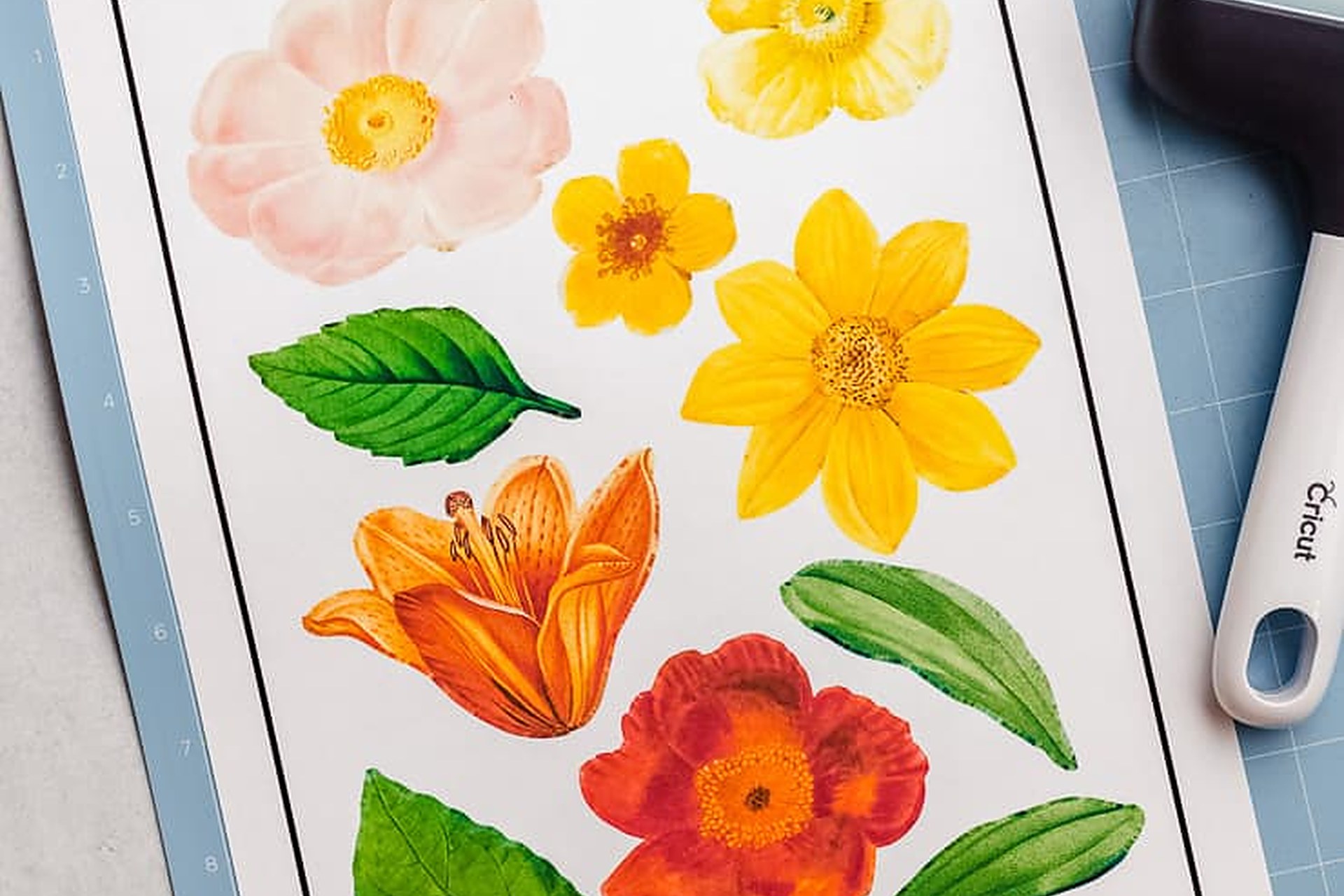
Plan for waterproofing separately. Every dye-ink printer here — which is most of them — produces stickers that smear if a water bottle sweats on them. The fix is not a different printer; it is a clear laminate overlay sheet over the printed page before cutting, or waterproof printable vinyl rated for inkjet. Budget a laminator or laminate sheets into the shop setup (our laminator guide covers the cheap options) and say "water-resistant" honestly in listings only when you have done that step.
Buy width only when your designs need it. Letter-size sheets cover the overwhelming majority of Etsy sticker products. Step up to the TS9521Ca for 12 x 12 planner formats or the ET-8550 for 13 x 19 collections and oversized decals — and for color quality that is itself a selling point. Everyone else is better served by an ET-2850 or ET-2800 and the savings spent on paper stock variety. For the rest of the print station — shipping labels, documents, and sublimation — see our general printers guide for Etsy sellers.
FAQ
Can I print stickers on a laser printer?
Technically yes, with laser-rated sticker paper — but toner sits on the surface, cracks on flexible vinyl, and color is flatter than inkjet. Inkjet is the standard for Etsy sticker shops for a reason. Never put inkjet sticker paper in a laser printer: the coating can melt onto the fuser.
What sticker paper should I buy?
Matte white sticker paper for planner and journal stickers (it takes pen well and prints cheapest), glossy for vibrant die-cuts, and waterproof printable vinyl for water bottles and laptops — always matched to inkjet, and always test one sheet with your printer's "matte photo paper" or "glossy photo paper" setting before printing a batch. The paper setting changes how much ink is laid down more than almost any other control.
Do I need a cutting machine too?
For die-cut and kiss-cut sticker sheets, effectively yes — a Cricut or Silhouette reads the registration marks your printer lays down and cuts each design. You can start with scissors or a paper trimmer for simple shapes, but print-then-cut is what makes a sticker shop scalable.
Why do my colors look different on the sheet than on screen?
Usually the paper setting: printing a glossy sheet on the "plain paper" setting under-inks it and colors look washed out. Set the media type to match your stock, print at high quality, and let sheets dry fully before laminating or cutting. Screens also show colors brighter than any ink on paper can — a small test print of a new design is always cheaper than a full run.
Which printer should a brand-new sticker shop buy?
The ET-2800 if the budget is tight, the ET-2850 if it is not — same ink costs, and the 2850's conveniences are worth the small step up. Choose the TS9521Ca only for 12 x 12 work, the Smart Tank 7301 if you already print documents all day, and the ET-8550 when your art and its color are the reason buyers pick your shop.