
Best Printable Vinyl Sticker Paper (2026)
Printable vinyl is where a sticker shop's quality is decided. The same design, printed on the right sheet, comes out with crisp edges, colours that match your screen, and adhesive that survives a water bottle's daily life. Printed on the wrong sheet, it smears coming out of the printer, jams mid-run, fades in a week, or peels off the first time a customer washes the bottle. And unlike a printer — which our sticker printer guide covers — the paper is a cost you pay on every single sheet you sell, so a few cents per sheet either way lands directly in your margin. The six papers below are the ones sticker sellers actually reorder: two matte workhorses, a glossy, a removable-adhesive bulk pack, Cricut's print-laminate-cut system, and a holographic sheet for designs that need to stop the scroll.
Three things separate these papers, and none of them is the word "waterproof" on the pack. First, printer fit: most printable vinyl is inkjet-only, a few sheets also run through laser printers, and feeding an inkjet-coated sheet through a laser printer's hot fuser can melt the coating — match the sheet to your printer type before anything else, and check the listing for your exact model, because a few printers are named as incompatible. Second, finish: matte hides fingerprints, reads clearly on labels, and photographs flat for listings; glossy makes colours pop and suits decorative stickers. Third, honest water protection: every paper here is water-resistant, which means splashes and condensation. A sticker that gets scrubbed, soaked, or dishwashed needs pigment ink plus a laminate or UV sealer over the print — the paper alone does not do that job, whatever the packaging implies. Buy with those three filters and every pick below is a good one; they differ in which job they do best.
The short answer
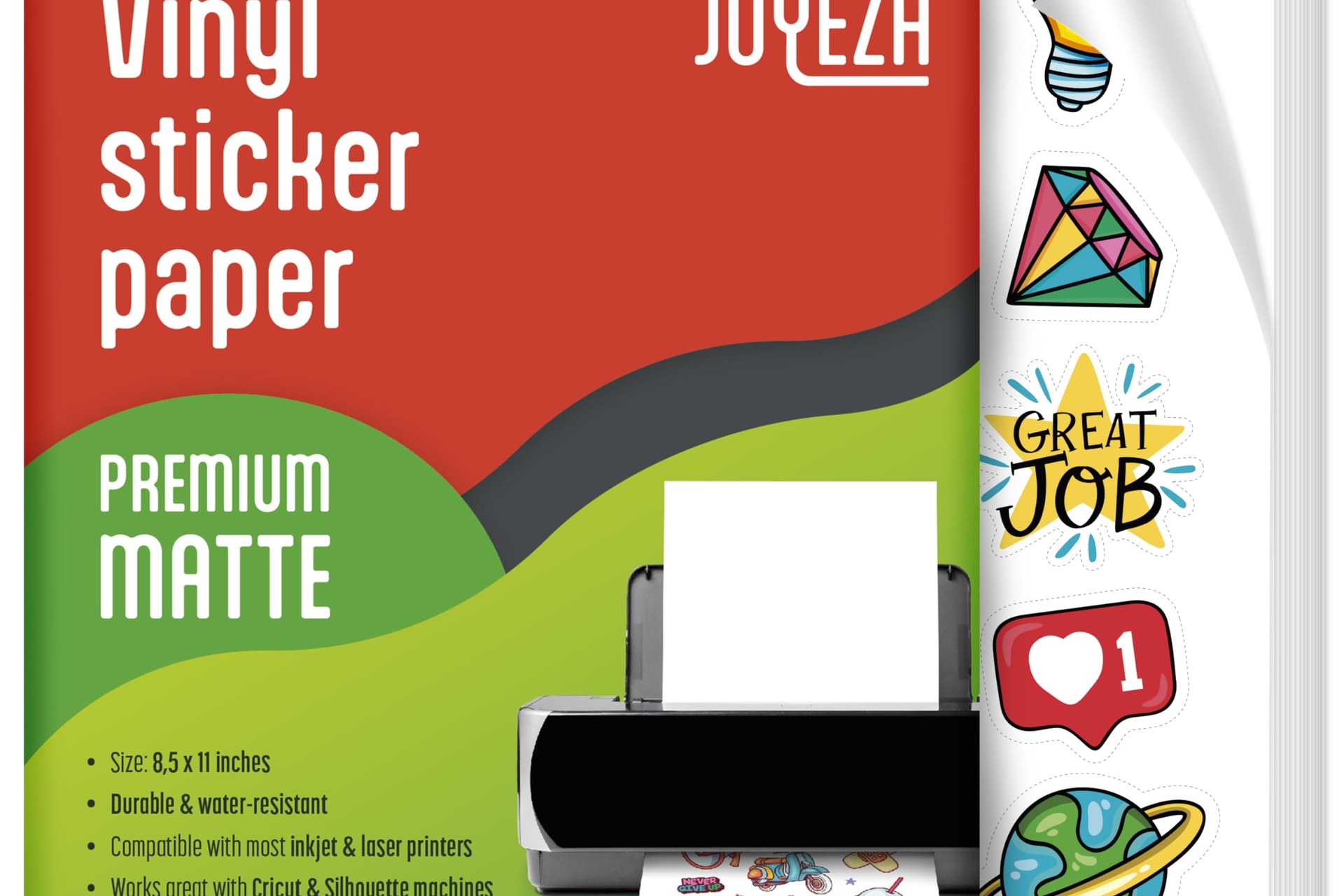
- Best overall: JOYEZA Premium Matte (25 sheets) — matte white vinyl for inkjet and laser printers that dries fast, holds ink cleanly, cuts well on Cricut and Silhouette machines, and peels off without residue when a placement goes wrong. Check price on Amazon →
- Best matte for labels: Koala Matte (20 sheets) — 100-micron inkjet vinyl with fast-drying ink hold and tear resistance, from the paper brand sellers already know from photo paper. Check price on Amazon →
- Best glossy: A-SUB Glossy White (25 sheets) — a glossy inkjet sheet that makes colour the whole point, from a paper specialist with a long track record in craft printing. Check price on Amazon →
- Best bulk buy: AIVA Matte (50 sheets) — the big pack with removable adhesive: stickers reposition while you place them and come off cleanly, which product labels and packaging seals love. Check price on Amazon →
- Best for Cricut waterproof stickers: Cricut Printable Waterproof Sticker Set (6 sheets) — printable vinyl plus matching laminate sheets in one box: print, laminate, cut, and the waterproofing is a system instead of a hope. Check price on Amazon →
- Best specialty finish: Koala Holographic (20 sheets) — a rainbow holographic printable vinyl that turns a plain design into the sticker people pick up first. Check price on Amazon →
JOYEZA Premium Matte — the best overall
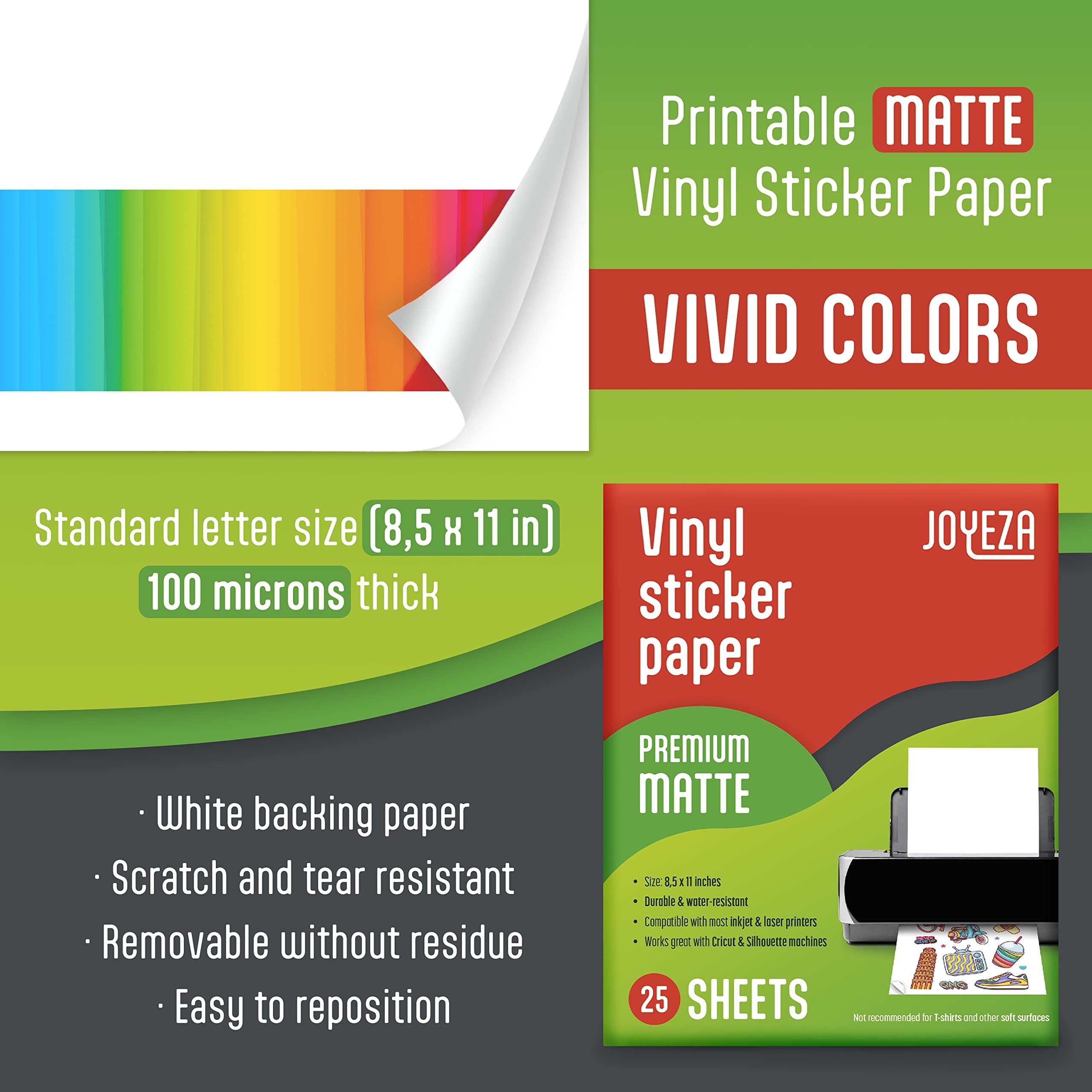
The JOYEZA 25-sheet matte pack is the sheet to start with if you do not yet know what your shop needs, because it makes the fewest enemies. It is a 100-micron matte white vinyl rated for both inkjet and laser printers, it dries quickly so sheets do not smear as they stack, and it cuts cleanly on Cricut and Silhouette machines — the print-then-cut workflow most sticker sellers actually run. The matte surface is the right default for selling: no glare in listing photos, no visible fingerprints when a customer handles the sticker, and text stays readable on labels. The detail that quietly matters most is the adhesive: it is removable without residue and easy to reposition, so a crooked placement on a bottle or laptop is a redo, not a ruined sticker — and customers write reviews about exactly that. In independent hands-on testing of the big-name sticker papers, this is the sheet that came out on top for print quality, jam-free feeding, and clean cuts at a mid-pack cost per sheet. It is not the cheapest paper here per sheet and it is not the most protected — water resistance improves a lot with a laminate over the top — but as the one pack to learn on and keep reordering, nothing else on this page covers as many bases.
Honest pros:
- Rated for inkjet and laser printers — one pack serves both setups
- Fast-drying matte surface: vivid colour, no glare, no fingerprint marks
- Removable adhesive repositions cleanly and leaves no residue
- Cuts cleanly on Cricut and Silhouette print-then-cut workflows
Honest cons:
- Water-resistant, not wash-proof — bottles that get scrubbed still need laminate over the print
- Matte only in this pack; glossy lovers should look at the A-SUB below
- Not for T-shirts or other soft surfaces — it is a hard-surface vinyl
Koala Matte — the best matte for labels
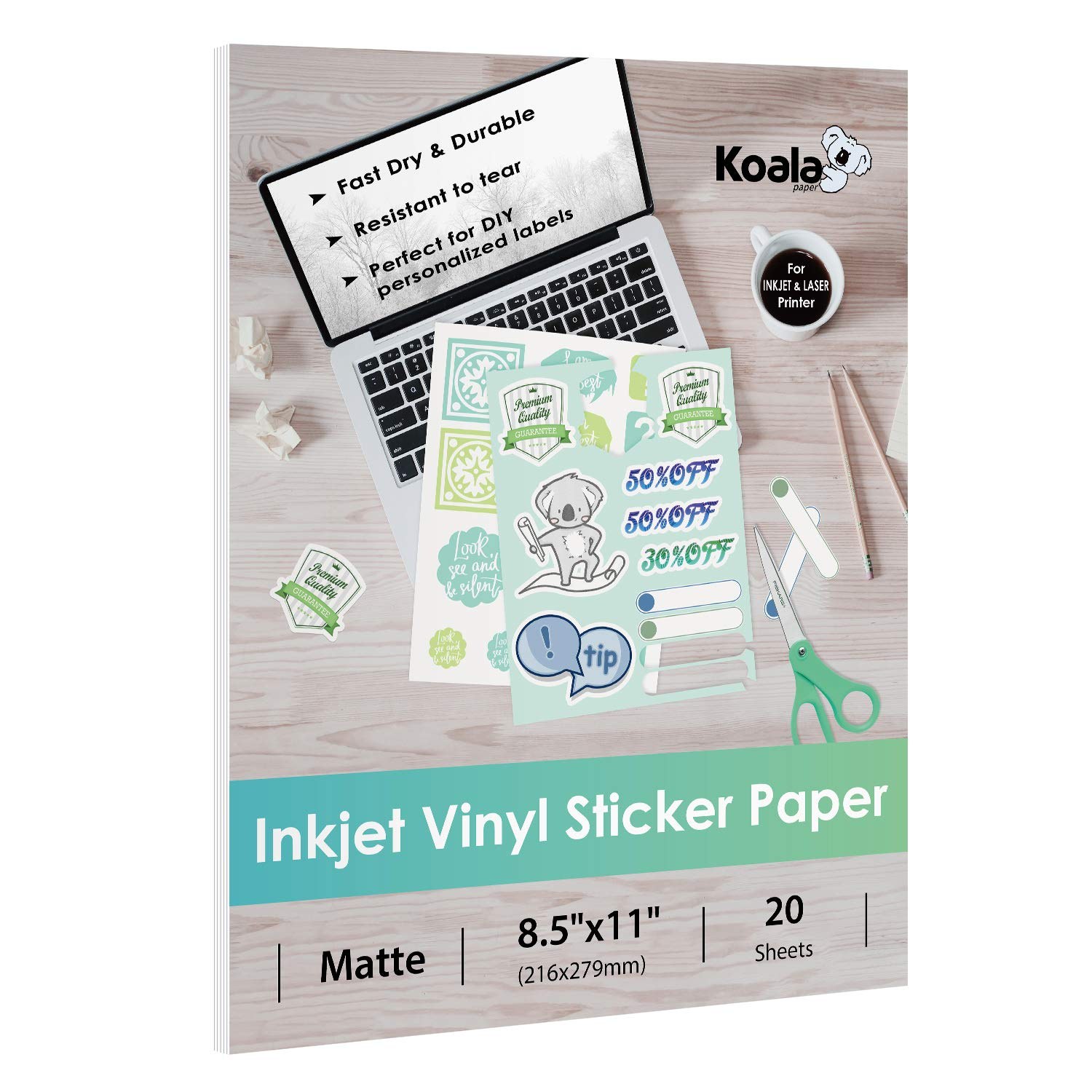
Koala built its name on photo paper, and that shows in how this vinyl handles ink: colours land vivid and sharp, the surface dries fast, and the 100-micron sheet is tear-resistant enough to weed and handle without the corners giving up. It is an inkjet sheet — that is the deal, and it is a fair one for the majority of sticker sellers running EcoTank and PIXMA printers. Koala is unusually straight about the waterproof question: the vinyl itself is water-resistant, and for completely waterproof or outdoor stickers it tells you to print with pigment ink and add a UV sealer spray. That honesty is worth more than a bigger claim, because it tells you exactly how to get the result. The one real homework item is printer compatibility: Koala names a handful of models this paper does not work with — the Canon TS3329, HP DeskJet 2755e, HP ENVY 7155, and HP OfficeJet Pro 8740 — so check your printer against the listing before ordering, especially if you run a small home-office machine rather than a craft-focused printer. If your printer is clear of that short list, this is the matte sheet for product labels, packaging stickers, and planner stickers where a clean, flat, professional finish matters more than shine.
Honest pros:
- Excellent ink hold — vivid, high-resolution prints that dry quickly
- 100-micron vinyl is tear-resistant and easy to handle and cut
- Koala states plainly how to get full waterproofing: pigment ink plus a UV sealer
- Matte finish keeps label text crisp and readable
Honest cons:
- Inkjet only — laser printer owners need the JOYEZA or another dual-rated sheet
- A few named printer models are incompatible — check the listing for yours first
- 20-sheet pack runs out fast once a design starts selling
A-SUB Glossy White — the best glossy
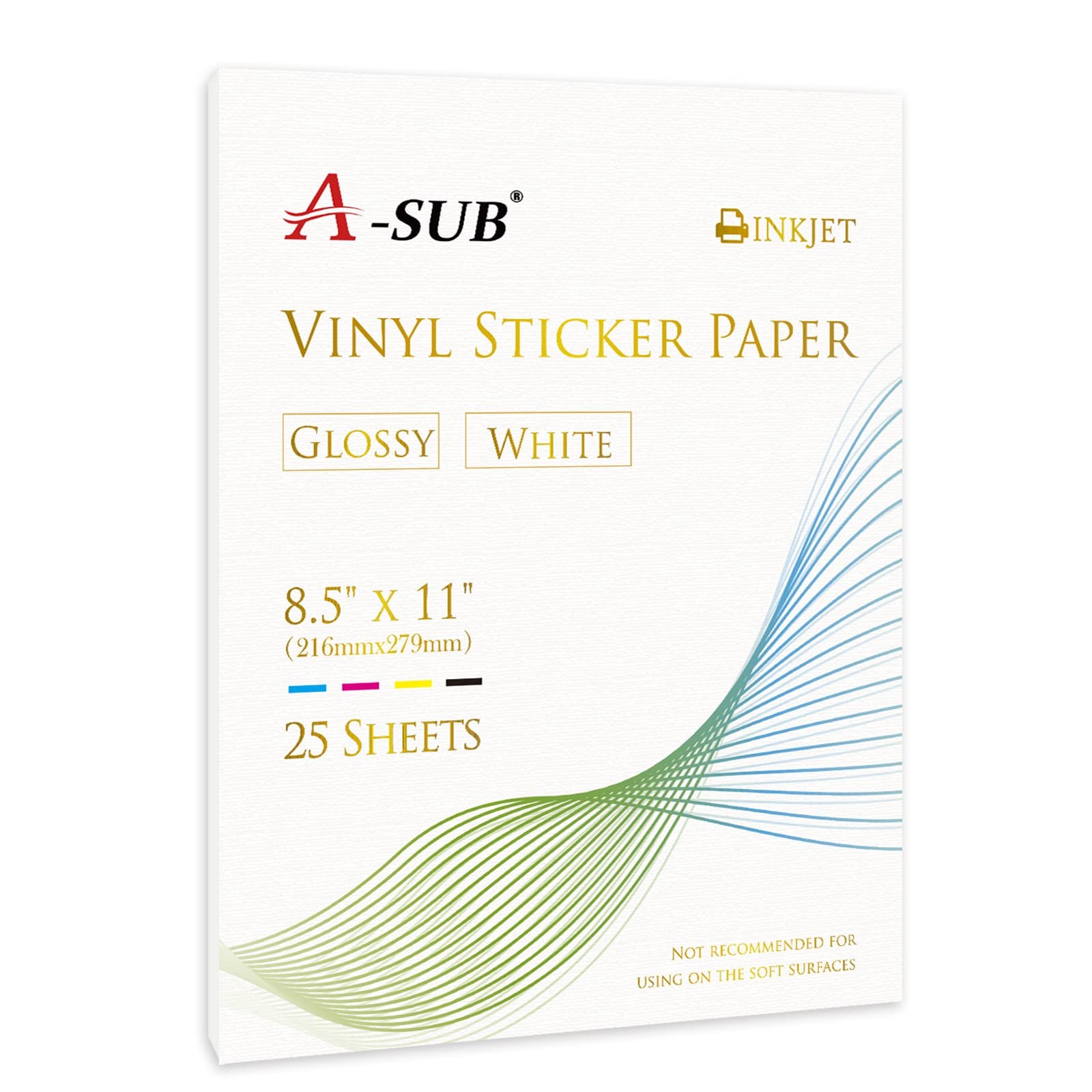
Some stickers want to be looked at, not read — and for those, glossy beats matte every time. The A-SUB glossy sheet gives colours a wet, saturated look that matte physically cannot: reds go deeper, gradients glow, and a finished sticker reads as a small piece of merchandise rather than a printed label. A-SUB is a paper specialist — sublimation and photo papers are its whole business — and this 25-sheet pack of 8.5 x 11 inch glossy white vinyl is its inkjet sticker sheet, rated waterproof and made to dry quickly and hold ink beautifully, which is the glossy failure mode avoided: cheap glossy sheets pool ink and smear, this one is built not to. It is inkjet-only, full stop, so laser owners should not improvise. Glossy also has honest trade-offs worth knowing before you commit a product line to it: it shows fingerprints and fine scratches more than matte, it can glare under listing-photo lights at the wrong angle, and handwriting on it needs a permanent marker where matte takes a pen. For decorative stickers, laptop and bottle art, and anything sold on colour, those are the right trade-offs to make.
Honest pros:
- Glossy finish makes colours deeper and more saturated than any matte
- From A-SUB, a specialist paper brand — quick-drying, strong ink hold
- Waterproof-rated vinyl for bottles, laptops, and outdoor-facing stickers
- 25 full letter-size sheets — generous cutting area per sheet
Honest cons:
- Inkjet only — no laser printing, no exceptions
- Gloss shows fingerprints and scratches that matte would hide
- Not the surface for handwritten labels — ink pens bead on gloss
AIVA Matte — the best bulk buy
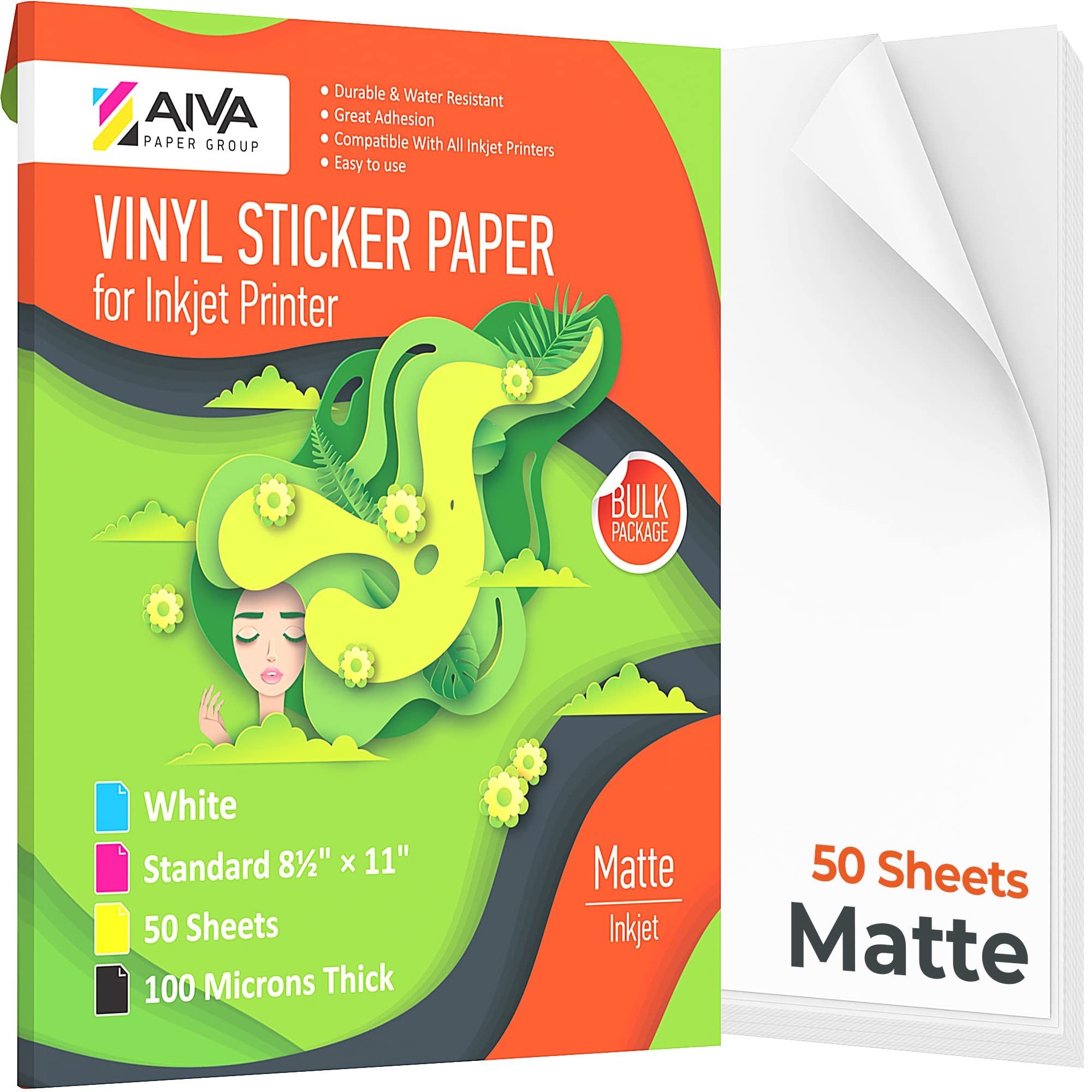
When a sticker design starts selling in real numbers, the 20- and 25-sheet packs become the annoyance — you reorder constantly and your cost per sheet stays at retail. The AIVA pack is the step up: 50 matte white sheets, 100 microns thick, in a bulk package that brings the per-sheet cost down where a working shop needs it. The vinyl itself is a strong all-rounder for inkjet printers — durable, water-resistant, scratch-resistant — and the listing rates the finished stickers dishwasher and microwave safe, which is why this paper shows up in so many kitchen-label and bottle-label shops. Its signature feature is the adhesive: it is removable, so a sticker can be lifted and repositioned if it lands crooked, and it comes off cleanly with no residue when a label needs replacing. That is exactly right for product labels, jar and pantry stickers, packaging seals, and price or brand stickers on goods. The trade is the mirror image of the benefit: removable adhesive is not the choice for a permanent outdoor decal or a sticker that must survive years of weather and handling — for a forever bond, a permanent-adhesive sheet holds harder. Match the adhesive to the job and this is the best-value workhorse on the page.
Honest pros:
- 50-sheet bulk pack — the lowest-friction way to cut cost per sheet
- Removable adhesive: reposition while placing, clean removal, no residue
- Waterproof, dishwasher and microwave safe, scratch-resistant per the listing
- 100-micron matte vinyl with great adhesion on glass, plastic, and metal
Honest cons:
- Inkjet only — the pack is explicit that it is an inkjet sheet
- Removable adhesive trades ultimate long-term hold for clean removal
- Bulk pack is a bigger upfront spend before you know a design sells
Cricut Printable Waterproof Sticker Set — the best for Cricut waterproof stickers
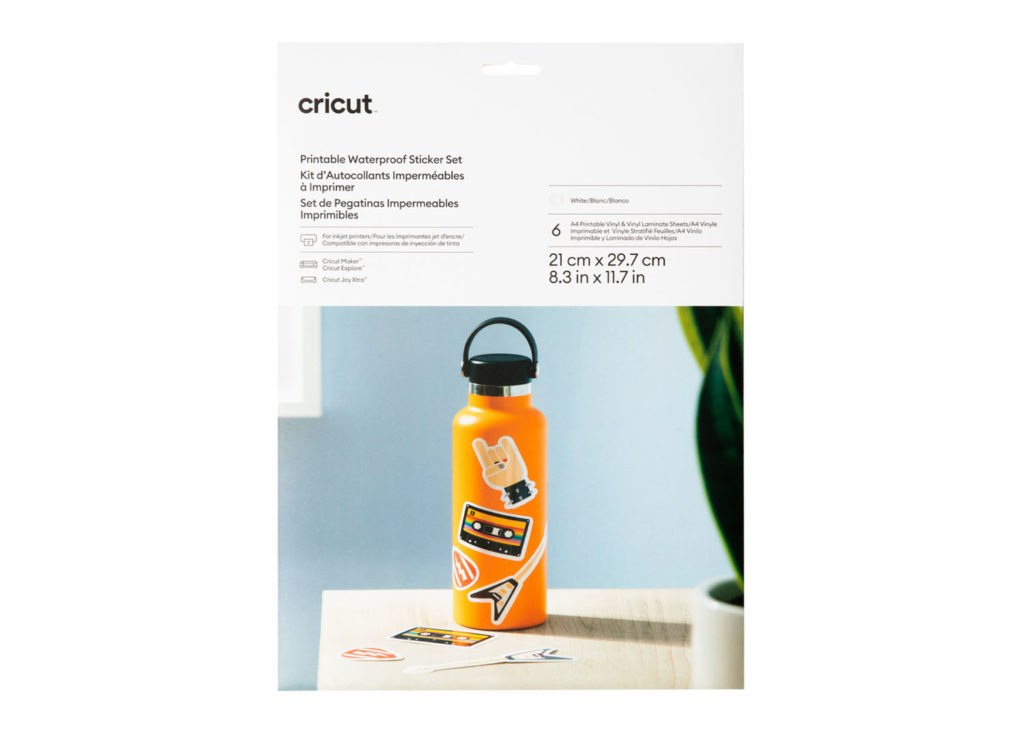
Every other paper on this page is water-resistant and leaves the real waterproofing to you — a sealer spray here, a laminate sheet there, bought separately and matched by trial and error. Cricut's set is the exception: the box contains printable vinyl sheets and the matching vinyl laminate sheets, and the workflow is the product. Print your design on the vinyl with your inkjet printer, burnish the laminate over the top, then let your Cricut — Maker, Explore, or Joy Xtra — print-then-cut the finished, sealed sticker. The laminate is what makes a sticker survive a water bottle's life: it is the UV and water barrier that dye ink on bare vinyl never has. Because it is Cricut's own material, the print-then-cut registration and cut settings are the ones Design Space already knows, which removes the two most common beginner failures — misread sensor marks and wrong cut pressure. Now the honest cost: you get 6 sheets. Per finished sticker, this is by far the most expensive route on this page, and it only makes sense where the waterproofing is the selling point — bottle stickers, outdoor decals, kids' gear that gets washed. Sellers who land on this set usually run it for their premium waterproof line and a bulk paper like the AIVA or JOYEZA for everything else, which is a sensible way to use it.
Honest pros:
- Vinyl plus laminate in one box — true waterproofing as a system, not an add-on
- Made for Cricut print-then-cut: sensor marks and cut settings just work
- Laminate adds UV resistance, so colours survive sun as well as water
- The premium pick for water bottle and outdoor stickers that get washed
Honest cons:
- Only 6 sheets — the highest cost per sticker here by a wide margin
- Built for the Cricut ecosystem; Silhouette users get less of the benefit
- Laminating adds a step to every sheet — slower than bare-vinyl production
Koala Holographic — the best specialty finish
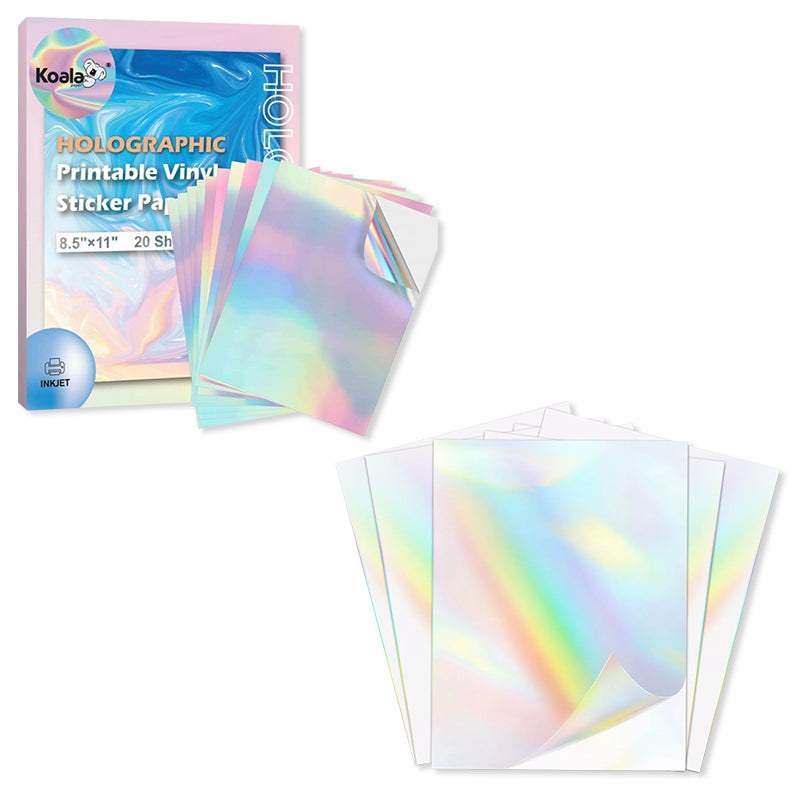
A holographic sticker does its marketing before anyone reads it. The rainbow shift as a bottle or laptop moves in the light is the thing buyers photograph, gift, and post — and this Koala sheet lets you print that finish at home instead of ordering custom holographic runs. It is a 20-sheet pack of 8.5 x 11 inch holographic printable vinyl for inkjet printers: print your design straight onto the rainbow surface, cut it like any other sheet, and the holographic layer shows through and around your ink. It works best with bold, dark, simple designs — thick lines, strong silhouettes, chunky lettering — because fine detail and pale colours get lost against a background that is already busy competing with them. Treat it as a product line, not a house paper: one or two holographic designs in a shop lift the whole shop's perceived value, while an all-holographic range is hard to photograph consistently and the finish costs more per sheet than plain matte. Two working tips matter. Let prints dry fully before cutting, as holographic coatings are less forgiving of wet ink; and if your cutting machine struggles to read registration marks on the reflective surface, a small piece of matte tape over each mark is the standard fix. For sellers whose stickers compete in a crowded search grid, this is the sheet that wins the click.
Honest pros:
- Real rainbow holographic finish printed at home — no custom print run
- Turns simple bold designs into premium, giftable stickers
- Standard 8.5 x 11 inch sheets, works with inkjet printers and cutting machines
- From Koala — the same paper specialist as the matte pick above
Honest cons:
- Inkjet only, and the reflective surface can challenge print-then-cut sensors
- Fine detail and pale colours wash out — designs must be bold and dark
- Costs more per sheet than plain vinyl; a specialty paper, not a staple
Side-by-side
| JOYEZA Premium Matte | Koala Matte | A-SUB Glossy | AIVA Matte | Cricut Waterproof Set | Koala Holographic | |
|---|---|---|---|---|---|---|
| Sheets | 25 | 20 | 25 | 50 | 6 + laminate | 20 |
| Finish | Matte white | Matte white | Glossy white | Matte white | White + clear laminate | Holographic rainbow |
| Size | 8.5 x 11 in | 8.5 x 11 in | 8.5 x 11 in | 8.5 x 11 in | 8.5 x 11 in | 8.5 x 11 in |
| Printer | Inkjet & laser | Inkjet | Inkjet | Inkjet | Inkjet | Inkjet |
| Adhesive | Removable | Standard | Standard | Removable | Durable | Standard |
| Water protection | Water-resistant | Water-resistant; sealer for full waterproof | Waterproof-rated | Waterproof; dishwasher & microwave safe | Waterproof via included laminate | Water-resistant |
| Typical price | Check current price | Check current price | Check current price | Check current price | Check current price | Check current price |
| Best for | All-round sticker shops | Labels & packaging stickers | Colour-first decorative stickers | Bulk labels & high volume | Washed & outdoor stickers | Eye-catching specialty designs |
How to choose
Match the sheet to your printer first — this is the expensive mistake. Inkjet and laser are not interchangeable here. A laser printer's fuser runs hot enough to melt an inkjet-only coating, which can ruin the sheet and the printer. Five of the six papers here are inkjet sheets; the JOYEZA is the one rated for both. Then check the fine print for your exact model: Koala names four common printers its matte paper does not support. Two minutes on the listing beats a jammed printer and a wasted pack. If you are still choosing the printer itself, our sticker printer guide covers the machines these papers pair with.
Choose the finish by the job, not by taste. Matte for anything with words on it — product labels, ingredient and care stickers, packaging seals, planner stickers — because it reads cleanly, takes a pen, and photographs without glare. Glossy for decorative stickers sold on colour. Holographic for one or two hero designs per shop. Most working shops end up with a matte staple and one specialty sheet, not five half-used packs.
Be honest about waterproof, and laminate like you mean it. Water-resistant vinyl shrugs off splashes, rain on a parcel, and condensation on a cold bottle. It does not survive daily scrubbing or a dishwasher, because the weak point is the ink, not the vinyl. The fixes, in order of strength: print with pigment ink, let the sheet dry fully (a full day for outdoor use), then add a clear laminate or a UV sealer spray. The Cricut set builds that laminate into the box; for the other papers, a laminator pays for itself fast — see our laminators guide — and a clean cut still matters, which is where our weeding tools guide and cutting machines guide come in.
Do the per-sheet maths before you fall in love. Divide the pack price by the sheet count, then add your real yield: how many sellable stickers you actually get per sheet after borders, test prints, and the occasional jam. A 50-sheet pack that costs a little more upfront usually beats a 20-sheet pack on every metric a shop feels — fewer reorders, lower cost per sticker, and no mid-batch paper change shifting your colours. But buy the small pack first for any new paper: one pack is a cheap test of how it feeds, prints, and cuts on your exact setup.
FAQ
Can I put printable vinyl in a laser printer?
Only sheets explicitly rated for laser printers — the JOYEZA on this page is. Laser fusers run hot, and an inkjet-only coating can melt onto the fuser and damage the printer. When a listing says inkjet only, believe it.
Why does my ink smear or look dull?
Usually the paper setting. Print on a photo or matte-photo setting so the printer lays ink correctly for a coated sheet, let the print dry fully before touching or cutting it, and make sure you printed on the coated side — every pack marks which side is which. Dull colour on matte is normal next to glossy; dull colour on glossy means the ink pooled, which a slower, high-quality print setting fixes.
Are these stickers really waterproof?
The vinyl is; the print needs help. Water-resistant sheets handle splashes and condensation as they are. For stickers that get soaked, scrubbed, or dishwashed, use pigment ink, let the print dry for a full day, and seal it with a clear laminate or UV spray — or use the Cricut set, which includes the laminate. That combination is what "waterproof sticker" honestly means at home-printing scale.
Will these work with my Cricut or Silhouette?
Yes — all six are letter-size sheets made for print-then-cut, and the listings call out Cricut and Silhouette compatibility. Two practical notes: glossy and holographic surfaces reflect the machine's sensor light, so if registration marks misread, matte tape over the marks is the standard fix; and very thick or curled sheets feed worse, so store packs flat.
Matte or glossy for water bottle stickers?
Either finish survives if it is laminated — the laminate, not the finish, decides bottle life. Unlaminated, matte hides the scratches and water spots a bottle collects, while glossy looks richer for the first weeks. For bottles you sell with a "waterproof" promise, laminate regardless of finish.