
Best Portable Monitors for Creators (2026)
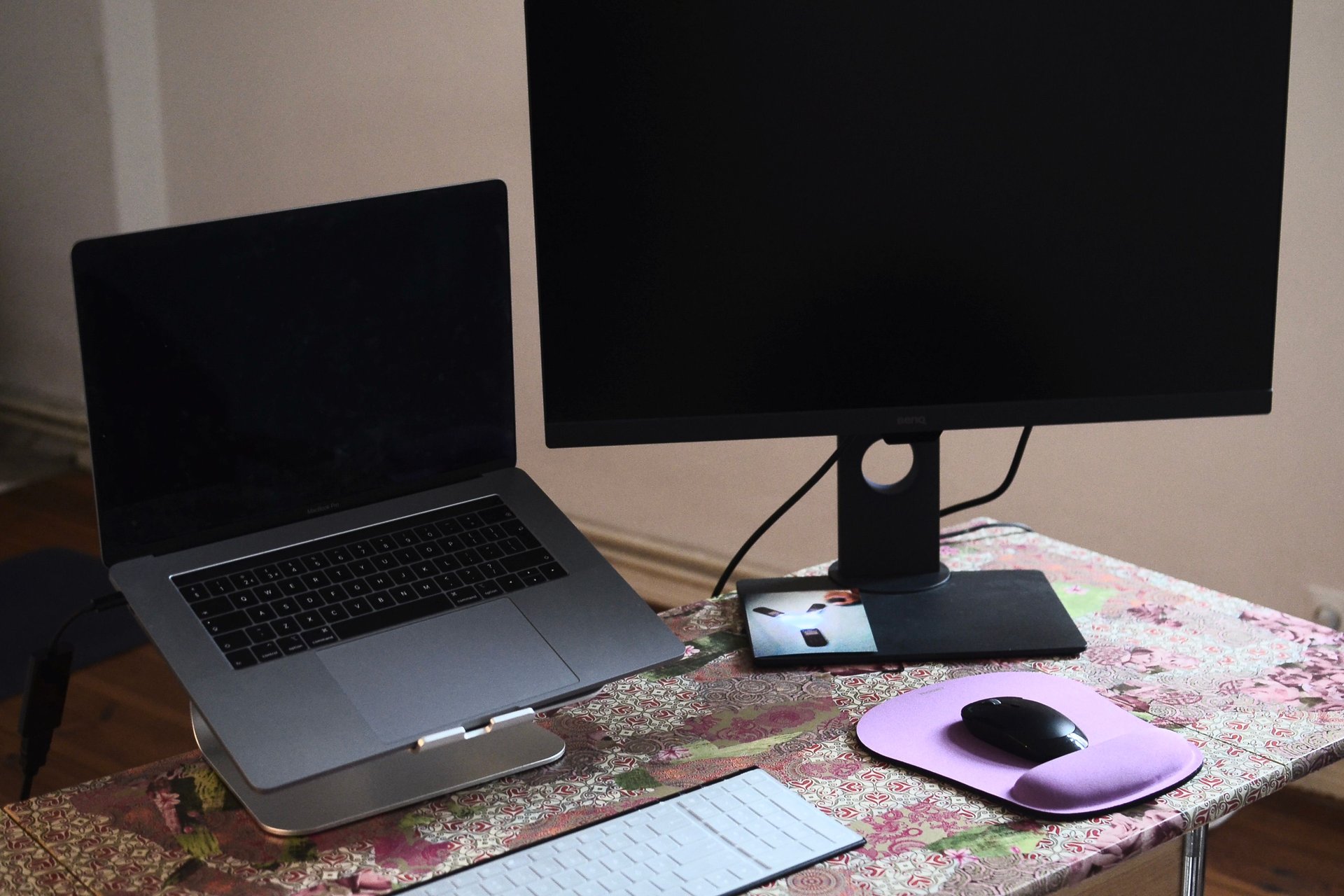
If you edit video, design in Figma, or run your shop from a laptop, a second screen is the single biggest productivity upgrade you can buy. A portable monitor gives you that second screen in a slab that weighs under two pounds and slips into your laptop bag — timeline on one screen, preview on the other, whether you're at your desk, a coffee shop, or a client's office.
What actually matters for creators: color coverage (99%+ sRGB or DCI-P3 for accurate edits), one-cable USB-C (power + video in a single plug), brightness around 300 nits or better, and how the thing stands up — the included cover or kickstand is half the product. The six below cover every budget from "first second screen" to "4K color-critical work."
The short answer
- Best overall: LG gram +view 16MR70 ($249.99) — 16-inch 2560x1600 IPS, 99% DCI-P3, dual USB-C, under 1.5 lb. The color-accurate creator pick. Check price on Amazon →
- Best budget: ARZOPA A1 15.6" — 1080p IPS, built-in metal kickstand, USB-C + mini HDMI, matte screen. The value king for a first second screen. Check price on Amazon →
- Best for laptop minimalists: ASUS ZenScreen MB16AC — 8mm slim, 0.78kg, hybrid-signal USB-C/USB-A, auto-rotation, smart case included. Check price on Amazon →
- Best for travel: Lenovo ThinkVision M14 — 14" FHD IPS, only 570g, power pass-through charging, ports on both sides, sleeve included. Check price on Amazon →
- Best 4K: UPERFECT True 4K 15.6" — 3840x2400 QLED, 600 nits, 100% AdobeRGB, HDR, FreeSync. For color-critical video and photo work. Check price on Amazon →
- Best slim all-rounder: AOC I1601FWUX — single-cable USB-C, anti-glare IPS, auto-pivot SmartCover, ultra-slim piano-black design. Check price on Amazon →
LG gram +view 16MR70 — the creator's pick
The gram +view is the portable monitor built for color work: a 16-inch 2560x1600 IPS panel with 99% DCI-P3 coverage and a 16:10 aspect ratio that gives you extra vertical room for timelines and documents. The anti-glare finish works in real lighting, it weighs under a pound and a half, and the included folio cover doubles as a stand with auto-pivot. Two USB-C ports handle power and video in one cable.
Honest pros:
- 2560x1600 IPS with 99% DCI-P3 — color-accurate enough for client video and photo edits
- 16:10 ratio — more vertical space than standard 16:9 panels
- Under 1.5 lb and 0.32" thin — disappears into a laptop bag
- Folio cover with auto pivot — landscape and portrait without extra hardware
Honest cons:
- No HDMI port — USB-C only, so older devices and cameras need an adapter
- No built-in speakers — plan for headphones or your laptop's audio
- $249.99 — a real premium over budget 1080p options
ARZOPA A1 — the budget king
The ARZOPA A1 is the best-selling portable monitor on Amazon for a reason: a 15.6-inch 1080p IPS panel with a matte finish, 300-nit brightness, a sturdy built-in metal kickstand, and both USB-C and mini HDMI ports — for the price of a decent pair of headphones. For creators who just want a dependable second screen for scripts, chats, timelines, or Shopify dashboards, this is the smart first buy.
Honest pros:
- Unbeatable price-to-size ratio — 15.6" IPS for budget money
- Built-in metal kickstand — no flimsy origami cover to fight with
- USB-C + mini HDMI — works with laptops, phones, PS5, Switch, no drivers needed
- Matte screen — no distracting reflections in bright rooms
Honest cons:
- Standard sRGB-ish color — fine for general work, not for color-critical grading
- 1080p on 15.6" — text isn't as crisp as higher-res panels
- No auto-rotation — flipping to portrait is manual
ASUS ZenScreen MB16AC — the minimalist's monitor
The ZenScreen MB16AC has been the default portable monitor recommendation for years, and it still earns it: 15.6" 1080p IPS in an 8mm-thick, 0.78kg slab — one of the lightest 15.6" panels you can buy. Its hybrid-signal design works over USB-C natively and over USB-A with a driver, which matters if your older laptop lacks a full-function USB-C port. The foldable smart case and pen-hole stand support portrait auto-rotation, and ASUS Eye Care (flicker-free + blue-light filter) is genuinely easy on long editing sessions.
Honest pros:
- 0.78kg, 8mm — among the lightest full-size portable monitors ever made
- Hybrid USB-C/USB-A signal — the only pick here that works with non-USB-C laptops (driver needed for Type-A)
- Auto-rotation with the smart case — portrait documents and code without extra gear
- 3-year warranty — ASUS backs it longer than budget brands
Honest cons:
- No HDMI — USB-only input like the LG, so consoles are out
- Brightness is middling (~220 nits) — struggles outdoors or in bright sun
- Older design — the MB16ACE successor adds tweaks, but this is the proven classic
Lenovo ThinkVision M14 — the traveler's monitor
At 14 inches and just 570g, the ThinkVision M14 is the portable monitor for people who actually travel. Two USB-C ports on opposite sides (friendly to left- and right-handed setups), a power pass-through design that charges both the monitor and your laptop from one adapter, tilt from -5° to 90° with a height-adjustable foot, and a protective sleeve in the box. The 300-nit FHD IPS panel is bright enough for hotel rooms and coworking spaces.
Honest pros:
- 570g — the lightest name-brand pick here, genuinely pocketable
- Power pass-through — charge laptop and monitor with one adapter
- Ports on both sides — cable routing works whatever side your desk faces
- Comes with stand, sleeve, and USB-C cable — nothing extra to buy
Honest cons:
- 14" is small — noticeably less canvas than 15.6" and 16" rivals
- USB-C only — your laptop needs DisplayPort Alt Mode and PD support
- No speakers, no HDMI — a pure productivity screen
UPERFECT True 4K — the color-critical pick
When your work lives and dies by color — product photography, color grading, Etsy listing thumbnails — a 4K portable panel changes the game. The UPERFECT True 4K packs a 15.6" 3840x2400 QLED panel with 600 nits of brightness, 100% AdobeRGB coverage, HDR, and FreeSync into a travel-size slab, with USB-C and mini HDMI for broad compatibility. It's the closest thing to a desktop grading monitor that fits in a backpack.
Honest pros:
- 3840x2400 QLED with 100% AdobeRGB — desktop-class color in a portable panel
- 600-nit brightness — HDR-capable and usable in brighter rooms
- USB-C + mini HDMI — laptops, cameras, consoles, no compatibility anxiety
- FreeSync + HDR — smooth motion for previewing gameplay and video work
Honest cons:
- The premium pick — several times the cost of budget 1080p monitors
- Heavier and thicker than the ultra-slim 1080p options
- 4K over USB-C drains laptop battery faster — bring your charger
AOC I1601FWUX — the slim all-rounder
The AOC I1601FWUX is the single-cable purist's monitor: one USB-C cable carries power and video, and the ultra-slim piano-black panel with its SmartCover folds into your bag like a tablet. The auto-pivot feature rotates the display with the monitor's orientation (via software), and the anti-glare 1080p IPS panel looks clean in office lighting. It's a longtime favorite for presenters and consultants who want zero-fuss dual screens.
Honest pros:
- True one-cable USB-C — no power cord, no adapter juggling
- Ultra-slim and light with a smart cover — travels like a tablet
- Auto-pivot — orientation follows how you hold it
- Anti-glare IPS — solid for long work sessions
Honest cons:
- USB-C requires DP Alt Mode on your device — check your laptop's port first
- No HDMI — consoles and older devices are out
- The SmartCover is the stand — less rigid than a metal kickstand
Side-by-side
| LG gram +view | ARZOPA A1 | ASUS ZenScreen MB16AC | Lenovo ThinkVision M14 | UPERFECT True 4K | AOC I1601FWUX | |
|---|---|---|---|---|---|---|
| Typical price | ~$250 | Check latest price | Check latest price | Check latest price | Check latest price | Check latest price |
| Size / resolution | 16" 2560x1600 | 15.6" 1080p | 15.6" 1080p | 14" 1080p | 15.6" 3840x2400 | 15.6" 1080p |
| Color coverage | 99% DCI-P3 | sRGB | sRGB | sRGB | 100% AdobeRGB | sRGB |
| Brightness | — | 300 nits | ~220 nits | 300 nits | 600 nits | — |
| Weight | <1.5 lb | ~1.6 lb | 0.78kg (~1.7 lb) | 570g (~1.3 lb) | ~2.2 lb | — |
| Ports | 2x USB-C | 2x USB-C, mini HDMI | USB-C (USB-A w/ driver) | 2x USB-C | USB-C, mini HDMI | USB-C (DP Alt Mode) |
| Best for | Color-accurate work | First second screen | Older laptops | Travel | 4K grading | One-cable simplicity |
How to choose
Check your laptop's USB-C port first. Most portable monitors need a USB-C port that supports DisplayPort Alt Mode (video out) and Power Delivery. Newer laptops almost all have it; some budget laptops and older machines don't — if yours doesn't, the ASUS ZenScreen MB16AC's USB-A hybrid signal or a monitor with HDMI (ARZOPA, UPERFECT) is the safe route.
Match the panel to the work. If you're editing product photos, thumbnails, or video for clients, color coverage (DCI-P3 or AdobeRGB) is worth paying for — the LG gram +view or UPERFECT 4K will save you from "it looked different on my laptop" disasters. For scripts, timelines, dashboards, and admin, any of the 1080p IPS picks will do.
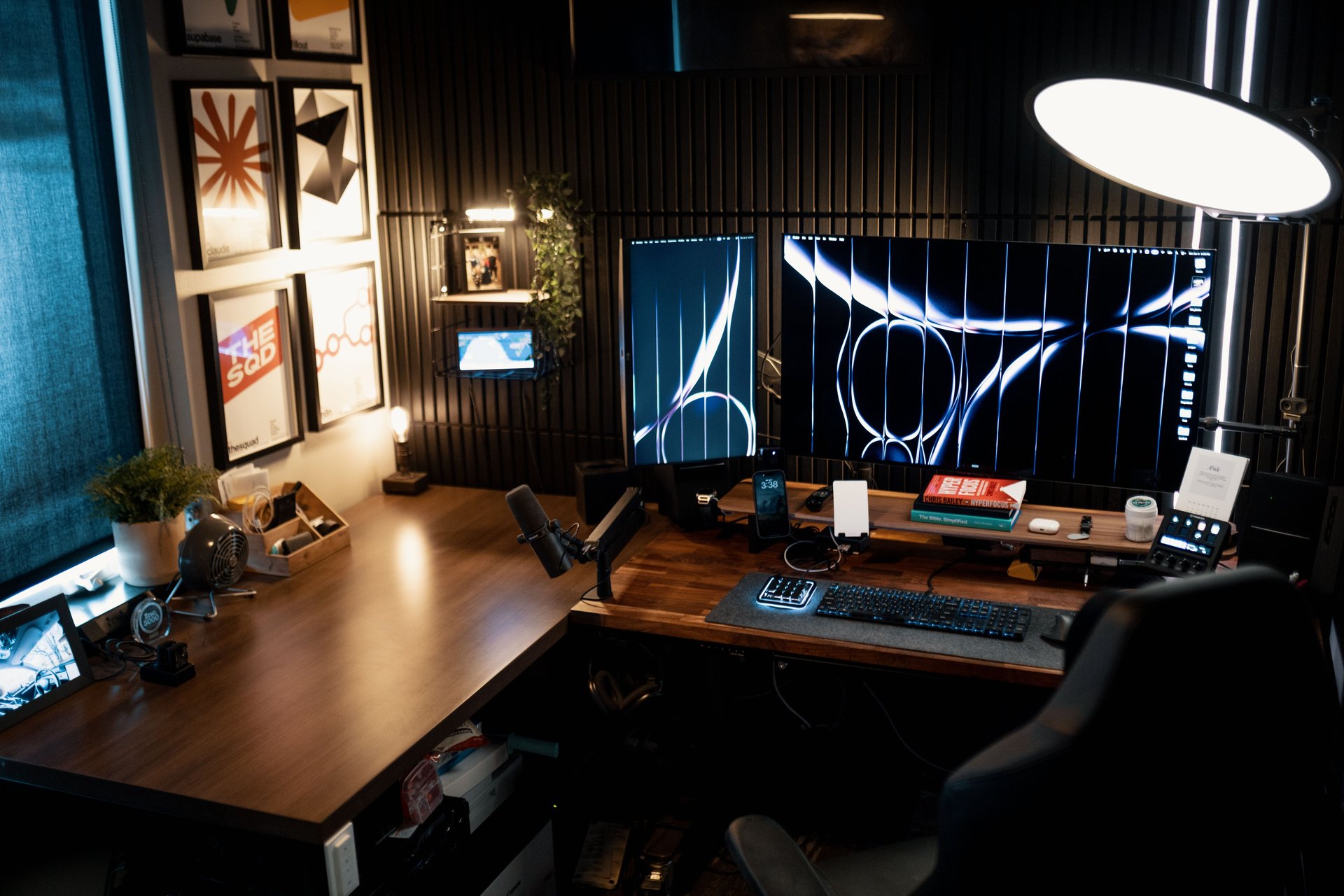
Build the full creator setup. A second screen pairs perfectly with proper desk lighting — our product photography lighting guide covers the lights that make you look as good as your edit. And if the desk itself needs an upgrade, our standing desk guide has your back — literally.
FAQ
Do I need a USB-C port for a portable monitor?
For most modern ones, yes — a full-function USB-C port (DisplayPort Alt Mode + Power Delivery) carries both video and power in one cable. Check your laptop's specs. If your port doesn't support video out, pick a monitor with HDMI or USB-A support like the ARZOPA A1 or ASUS ZenScreen MB16AC.
Can a portable monitor charge my laptop?
Some can pass power through, like the Lenovo ThinkVision M14 — you plug your charger into the monitor and it feeds the laptop. Most portable monitors don't charge the laptop; they draw power from it. For all-day use, bring your laptop charger.
Is 1080p enough on a 15.6-inch portable monitor?
For general work — timelines, scripts, chats, spreadsheets — yes. For photo and video editing where you pixel-peep, step up to the 2560x1600 LG gram +view or the 4K UPERFECT for crisper detail and better color.
Will a portable monitor work with my phone or tablet?
Many do: modern phones and tablets with USB-C video output (most Samsung Galaxy flagships, recent iPads, iPhone 15+) can drive a portable monitor directly. ARZOPA and UPERFECT models with HDMI also work with cameras, Switches, and consoles.