
Best Keyboards for Home Offices (2026)
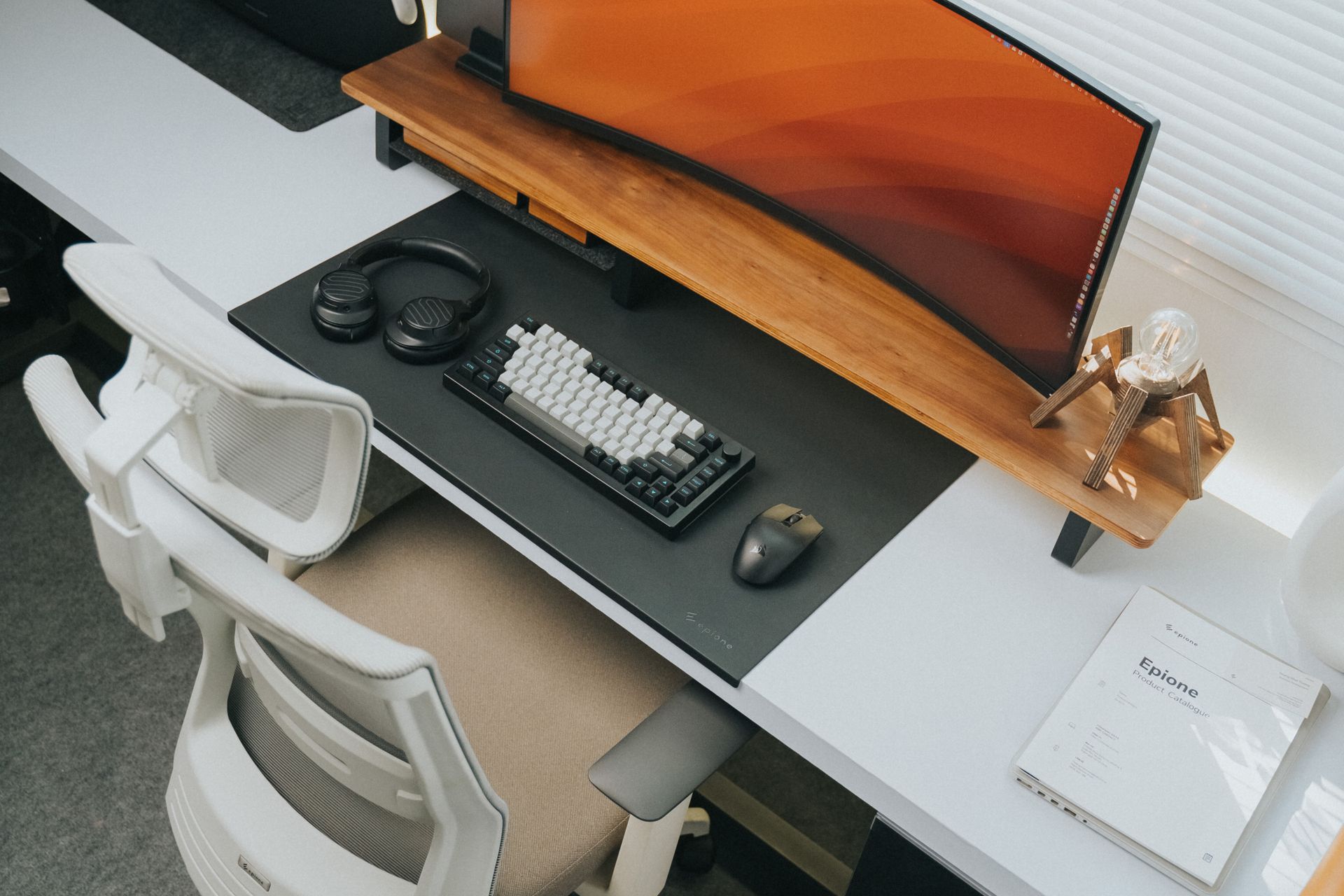
You type on it for hours every day, so the keyboard matters more than almost anything else on your desk — and most people are still typing on the flat laptop keyboard or whatever came in the box. The right home-office keyboard reduces wrist strain, types quieter on calls, and can hop between your laptop, tablet, and phone. Unlike gamers, office workers have one non-negotiable: it can't be loud.
What matters for a home office: quiet, comfortable keys (membrane or low-profile mechanical, never clicky switches), a layout that fits your desk and your hands, wireless if your desk moves, and battery life measured in months, not days. The six below cover every budget and desk style, all verified in-stock on Amazon with strong review counts.
The short answer
- Best budget: Logitech K120 (~$12) — the classic quiet wired membrane keyboard. Spill-resistant, plug-and-play, and so cheap it feels like a rounding error. Check price on Amazon →
- Best wireless: Logitech K380 ($39.99) — compact Bluetooth keyboard that pairs with 3 devices, whisper-quiet keys, and a 2-year battery. Check price on Amazon →
- Best ergonomic: Logitech Ergo K860 (~$120) — split curved frame with a pillowed wrist rest, the standard recommendation for wrist pain. Check price on Amazon →
- Best full-size low-profile: Logitech MX Keys S (~$110) — quiet spherically-dished keys, smart backlighting, 3-device pairing. The premium office keyboard. Check price on Amazon →
- Best compact: Logitech MX Keys Mini ($79.99) — everything the MX Keys S does in a space-saving layout that frees up mouse room. Check price on Amazon →
- Best quiet true mechanical: Keychron K2 (V2, brown switches, $89.99) — a genuine mechanical keyboard with tactile, non-clicky switches that works in an office. Check price on Amazon →
Logitech K120 — the $12 workhorse
The K120 is the keyboard you see in every office on earth, and there's a reason: it costs about $12, it's quiet, it's spill-resistant, and it just works. Membrane keys with a comfortable curved space bar, a standard full-size layout including the number pad, and a USB plug with no drivers or pairing to think about. If your budget is tight — or you need a keyboard for a second desk — start here. It won't wow you, and it won't let you down.
Honest pros:
- ~$12 — effectively disposable pricing
- Quiet membrane keys — office and call-friendly
- Spill-resistant design — coffee-proof your desk
- True plug-and-play — no batteries, no pairing, no software
Honest cons:
- Wired only — adds a cable to your desk
- Mushy key feel — fine for typing, nobody's passion
- No backlighting — hopeless in a dark room
Logitech K380 — the wireless all-rounder
The K380 is the default answer for "I want a nice wireless keyboard that isn't expensive," and it's earned that spot: quiet typewriter-style keys, a compact layout that skips the number pad to save desk space, and Bluetooth pairing with three devices — laptop, tablet, phone — switchable with one keypress. The battery lasts up to two years on two AAAs. At $39.99 with a 4.7-star average from over 7,000 reviews, it's the best value on this list.
Honest pros:
- $39.99 — the sweet spot between cheap and premium
- Pairs with 3 devices over Bluetooth — laptop, tablet, phone
- Quiet, rounded keys that are easy on the fingers
- 2-year battery life on AAA batteries
Honest cons:
- Compact layout — no number pad, cramped arrow keys
- Low-profile keys feel shallow if you're used to mechanical
- No backlighting at this price
Logitech Ergo K860 — the wrist-saver
If your wrists, shoulders, or neck hurt at the end of the day, the K860 is the keyboard physical therapists actually recommend. The split, curved keyframe puts your hands, wrists, and forearms in a natural position instead of twisting them flat, and the pillowed wrist rest supports you without pressure points. Reviewers consistently confirm the keys are "nice and quiet" — important, because some ergo keyboards sound like typewriters. At around $120 (frequently discounted from $149.99) it's the most expensive keyboard here, but it's cheaper than a chiropractor.
Honest pros:
- Split curved design + wrist rest — genuinely reduces wrist strain
- Quiet keys — confirmed by reviewers, safe for calls
- Wireless (Bluetooth or USB receiver), pairs with 3 devices
- Full-size layout with number pad
Honest cons:
- ~$120 — real money for a keyboard
- Takes a week or two to adjust — split layouts feel strange at first
- It's huge — needs a deep desk
Logitech MX Keys S — the premium office keyboard
The MX Keys S is the keyboard you buy when typing is your job. Spherically-dished keys that cradle your fingertips, quiet low-profile typing that reviews describe as "smooth" and silent enough for shared spaces, and smart backlighting that turns on as your hands approach and dims when you step away. It pairs with three devices, connects over Bluetooth or the Logi Bolt USB receiver, and charges over USB-C. Around $110 on sale (usually $129.99) — expensive, but it's the last office keyboard most people will need to buy.
Honest pros:
- Quiet, comfortable low-profile keys — the best typing feel here
- Smart backlighting that reacts to your hands
- 3-device pairing plus a stable Logi Bolt USB receiver option
- Full-size layout — number pad included
Honest cons:
- ~$110–130 — premium pricing
- Backlighting drains the battery faster than the K380's two years
- Key layout customization needs Logi Options+ software
Logitech MX Keys Mini — the space-saver
Same keys, same smart backlighting, same three-device pairing as the MX Keys S — minus the number pad. That smaller footprint is the whole point: your mouse moves closer to your body, your shoulders stay square, and small desks stop feeling cramped. At $79.99 it's noticeably cheaper than its big sibling while keeping the premium quiet typing experience. If you don't type numbers all day, the Mini is the smarter buy.
Honest pros:
- $79.99 — premium feel without the full premium price
- Compact layout pulls your mouse in — better ergonomics on small desks
- Same quiet keys and smart backlighting as the MX Keys S
- 3-device pairing, Bluetooth or Logi Bolt
Honest cons:
- No number pad — dealbreaker for spreadsheet-heavy work
- Cramped arrow-key cluster
- Backlighting eats battery, same as the full-size version
Keychron K2 (V2) — the quiet mechanical option
Mechanical keyboards don't have to sound like a popcorn machine. The Keychron K2 with brown switches gives you the crisp, tactile feedback mechanical fans love without the loud "click" that makes coworkers hate them — reviewers call it office-friendly. The 75% layout keeps the function keys and arrows in a compact frame, it connects over Bluetooth (3 devices) or wired USB-C, and the keycaps are hot-swappable if you ever want to change the switches. At $89.99, it's the best keyboard here if you type a lot and want to feel every keystroke.
Honest pros:
- Brown switches — tactile feedback, no loud click
- Hot-swappable — change switches without soldering
- Bluetooth + wired USB-C, 3-device pairing
- Compact 75% layout keeps arrows and function row
Honest cons:
- Still louder than membrane keyboards — "quiet for mechanical" isn't "quiet"
- No number pad in this layout
- Fewer backlighting/smart features than the MX series
Side-by-side
| K120 | K380 | Ergo K860 | MX Keys S | MX Keys Mini | Keychron K2 | |
|---|---|---|---|---|---|---|
| Typical price | ~$12 | $39.99 | ~$120 | ~$110 | $79.99 | $89.99 |
| Connection | Wired USB | Bluetooth | Bluetooth / USB receiver | Bluetooth / Logi Bolt | Bluetooth / Logi Bolt | Bluetooth / USB-C |
| Layout | Full-size | Compact (no numpad) | Full-size, split ergo | Full-size | Compact (no numpad) | 75% (no numpad) |
| Backlit | No | No | No | Yes, smart | Yes, smart | Yes, RGB |
| Noise | Quiet | Quiet | Quiet | Very quiet | Very quiet | Moderate (quiet for mech) |
| Best for | Any tight budget | Multi-device desks | Wrist pain | Typing all day | Small desks | Mechanical feel |
How to choose
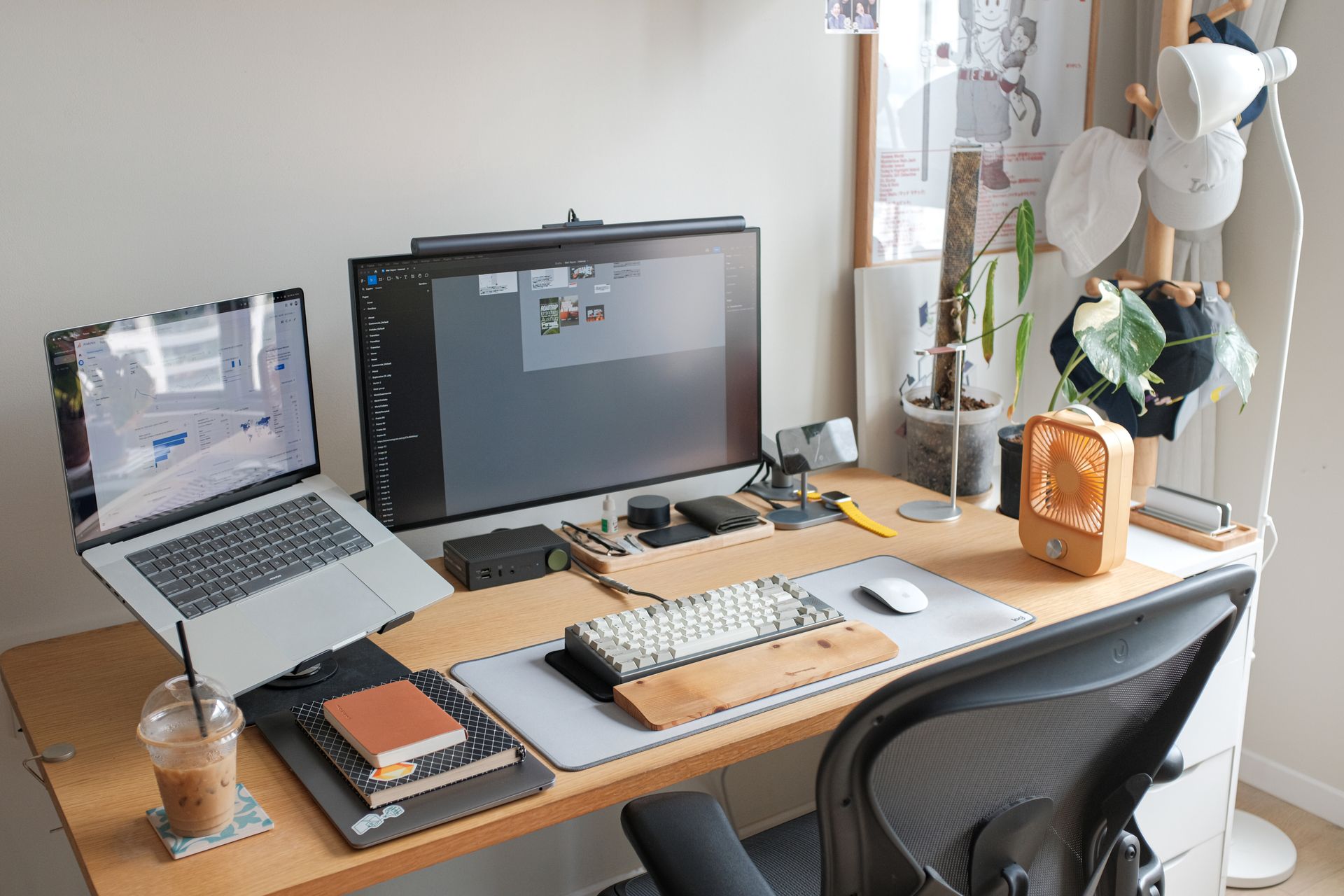
Match the keyboard to your hands, not your aspirations. If your wrists ache, the Ergo K860's split design fixes the actual problem — no amount of mechanical-keyboard customization substitutes for a natural wrist position. If you're on calls all day, prioritize the quietest option (MX Keys S or Mini); "quiet for a mechanical keyboard" still means everyone hears the Keychron through a hot mic.
Decide on the number pad honestly. Full-size keyboards are wider and push your mouse out to the side, which is a genuine shoulder-strain issue for many people. If you don't enter numbers constantly, a compact layout (K380, MX Keys Mini, K2) is more ergonomic — and your mouse will thank you. If you live in spreadsheets, keep the pad.
Build the full home office. A good keyboard belongs to a good setup — our standing desk guide covers desks that pair well with wireless keyboards, and our ergonomic chair guide handles the seating half of wrist and back pain. A headset for calls completes the desk: our wireless headset guide covers the quiet-office options.
FAQ
Are mechanical keyboards too loud for a home office?
Clicky (blue) switches, yes — avoid them. Tactile brown switches, like the Keychron K2's, are the middle ground: you feel the key press without the loud click. But if you're on video calls constantly, a membrane or low-profile keyboard (MX Keys S, K380) is genuinely quieter.
Is an ergonomic keyboard worth it if my wrists don't hurt yet?
Prevention is cheaper than treatment. Split keyboards like the Ergo K860 train a neutral wrist position from day one. If you type 6+ hours daily, it's worth considering before the pain starts — though a good chair and desk height matter just as much.
How long does a wireless keyboard battery last?
It varies wildly: the K380's AAAs last up to two years with no backlighting, while backlit keyboards like the MX Keys S need a USB-C recharge every 10 days or so with the backlight on. Turn backlighting off and the MX Keys S lasts months.
Can one keyboard pair with my laptop, tablet, and phone?
Yes — the K380, MX Keys S, MX Keys Mini, and Keychron K2 all pair with three devices and switch between them with a keypress or shortcut. The Ergo K860 does this too. On older desktops, skip Bluetooth headaches and use the included USB receiver (K860, MX Keys S, MX Keys Mini).