
Best Desk Lamps for Home Offices (2026)
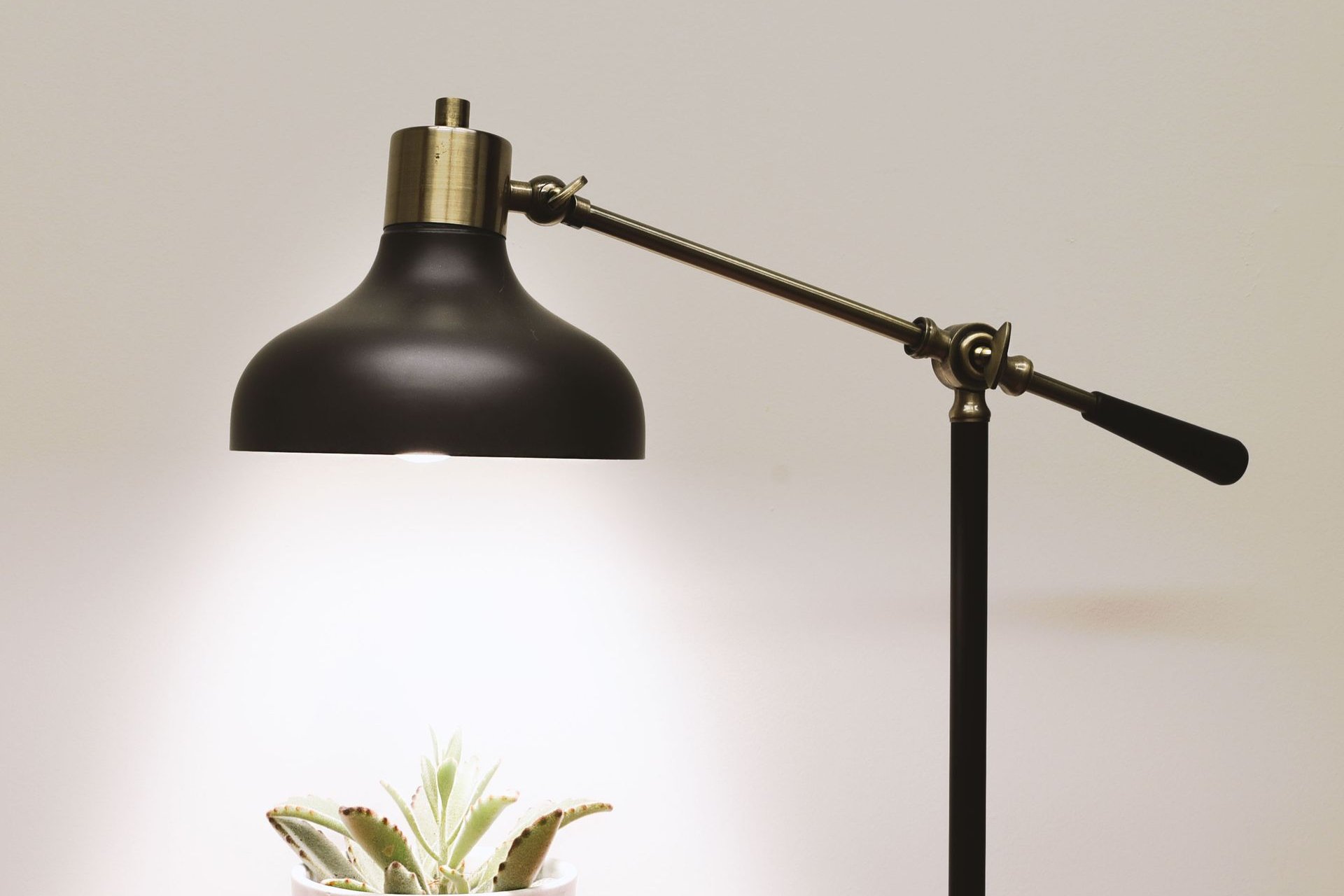
Overhead lights are built for hallways, not for eight-hour workdays. The right desk lamp cuts eye strain, kills screen glare, and makes your workspace feel like a place you actually want to sit. The wrong one just adds a hotspot to an already uneven room. These seven cover every real scenario: a lamp for readers, one that lives on your monitor, a budget pick, a swing-arm clamp for crafters, a charging dock that happens to be a lamp, and one very expensive statement piece.
What matters in a desk lamp: enough light where you need it (look for 500+ lumens and high CRI), adjustable color temperature (warm at night, cool for focus), flicker-free output with low blue-light risk for long sessions, and a form factor that fits your desk. The seven below are sorted by job, not by price.
The short answer
- Best overall: BenQ e-Reading Desk Lamp — ultra-wide curved head, 13 color temps, auto-dimming with Screen/Paper modes. Check price on Amazon →
- Best monitor light bar: BenQ ScreenBar Halo — clips on the monitor, zero desk space, front and rear lighting. Check price on Amazon →
- Premium pick: Dyson Solarcycle Morph Desk CD06 — tracks local daylight and shifts color temperature through the day. Check price on Amazon →
- Best value: Honeywell H6 Sunturalux — 800 lumens, CRI 97+, ambient sensor, at a mid-range price. Check price on Amazon →
- Budget pick: Honeywell H2 (~$30–36) — 4 color modes, USB A+C charging ports, foldable. Check price on Amazon →
- Best swing-arm / clamp: AILBTON LED Desk Lamp (~$40) — adjustable swing arm with clamp mount, zero footprint. Check price on Amazon →
- Most unique: LumiCharge II 6-in-1 — Qi wireless charging, phone dock, clock, and lamp in one. Check price on Amazon →
BenQ e-Reading Desk Lamp — the best overall
The e-Reading lamp is the one to buy if you just want the eye-care problem solved. Its ultra-wide curved head throws light across a 35.4" × 26.7" area at a minimum of 500 lux — wide enough to cover two monitors and the papers in front of them. Thirteen color temperatures (2700K–5700K) and 23 brightness levels are adjustable by turning the knob, and a built-in ambient sensor auto-dims the lamp to match the room. The dedicated Screen Reading mode uses an asymmetric beam that's brighter at the sides and darker in the middle, which cuts screen glare without dimming the room.
Honest pros:
- Ultra-wide curved head — covers dual monitors and paperwork in one pool of light
- 13 color temps + 23 brightness levels, with ambient-sensor auto-dimming
- Screen and Paper modes — glare control for monitor work vs. reading
- CRI over 95, flicker-free (IEEE 1789), RG0 blue-light certified
Honest cons:
- Premium price — this is a serious-lamp investment, not an impulse buy
- Touch controls are easy to bump accidentally when adjusting the arm
- Desk clamp and floor-stand conversion are paid extras, not in the box
BenQ ScreenBar Halo — the monitor light bar
If your desk is small or you hate lamp clutter, the ScreenBar Halo is the cleanest answer: it clips onto the top of your monitor and lights your desk from above, using asymmetric optics that throw light down and forward without hitting the screen. You get front light plus a rear ambient backlight for evening mood, auto-dimming, and fit for flat or curved monitors. It takes up literally zero desk space — the whole lamp lives on your monitor's top edge.
Honest pros:
- Zero desk footprint — clips to the monitor, desk stays clear
- Asymmetric optics — desk gets light, screen stays glare-free
- Front light + rear ambient backlight in one device
- Auto-dimming and a wireless controller
Honest cons:
- Only controllable through its own wireless remote — no buttons on the bar itself
- The remote takes getting used to, and it's the single point of failure
- Still needs wired USB power; expensive for what is essentially a light bar
Dyson Solarcycle Morph Desk CD06 — the premium pick
The Solarcycle Morph is the lamp you buy when you want a piece of design on your desk, not just illumination. Its signature trick is local daylight tracking: it adjusts color temperature and brightness through the day to mimic natural light where you live. Four formats (task, indirect, feature, ambient) reshape the light for the job, and app control plus a motion sensor mean it behaves like a smart device. There's a built-in USB-C charger for devices and a 5-year warranty — Dyson-standard.
Honest pros:
- Daylight tracking — color temperature shifts with your local daylight, intelligently
- 4 light formats — task, indirect, feature, and ambient in one lamp
- App control, motion sensor, and a built-in USB-C device charger
- 5-year Dyson warranty — longest coverage on this list
Honest cons:
- Extremely expensive — around $649, several times the rest of this list
- Heavy at 7.6 lbs and bulky — it's a commitment on a small desk
- Only 850 lumens max — premium money buys smartness, not raw brightness
Honeywell H6 Sunturalux — the best value
The H6 is where eye-care specs meet a mid-range price. Its Sunturalux full-spectrum chips hit CRI 97+ with RG0 no-blue-light-hazard certification, and it pushes 800 lumens with stepless dimming — brighter and better-specced than most lamps at twice the price. The 3D diffuser throws light up and down, there's a built-in ambient sensor, and a 45-minute timer for winding down. The metal foldable build feels more expensive than it is.
Honest pros:
- CRI 97+ full-spectrum chips with RG0 certification — top-tier light quality for the money
- 800 lumens with stepless dimming — genuinely bright
- Ambient sensor + 45-minute timer built in
- Sturdy metal foldable build at a mid-range price (~$116)
Honest cons:
- Large footprint (~22" wide, 4.2 lbs) — not a small-desk lamp
- Integrated LED can't be replaced — when it dies, the lamp dies
- Timer is fixed at 45 minutes — no customization
Honeywell H2 — the budget pick
For around $30–36, the Honeywell H2 is a top-30 bestseller in desk lamps for a reason: it does the fundamentals well. Four color modes with dimming, touch control with memory function and timer, a foldable compact body, and USB A+C charging ports in the base so your phone charges while you work. It won't light a warehouse, but for a small desk, dorm, or side table, it's the best value per dollar on this list.
Honest pros:
- ~$30–36 — best value per dollar here, and a top-30 Amazon bestseller in desk lamps
- 4 color modes + dimming, touch control, memory function, timer
- USB A+C charging ports built into the base
- Foldable and compact — travels and stows easily
Honest cons:
- Only 550 lumens — modest for large desks or multi-monitor setups
- Mostly plastic build — feels budget in the hand
- Compact head means a narrower pool of light
AILBTON LED Desk Lamp — the swing-arm / clamp pick
If your desk real estate is spoken for, a clamp lamp is the answer. The AILBTON clamps to the desk edge and its adjustable swing arm positions the light exactly where you need it — over the keyboard, over the workbench, swung aside when you're done. Dimmable with multiple color modes and flicker-free eye-care LEDs, at around $40. This is the form factor crafters, nail techs, architects, and tidy-desk minimalists swear by.
Honest pros:
- Swing arm + clamp mount — zero desk footprint, light goes exactly where you point it
- Dimmable with multiple color modes, flicker-free eye-care LEDs
- ~$40 — the cheapest way to get real adjustability
Honest cons:
- Clamp-only — no freestanding base option, so it won't work everywhere
- Lesser-known brand with a thinner support history than BenQ or Honeywell
- No charging ports or extras; CRI not specified
LumiCharge II 6-in-1 — the most unique
The LumiCharge II doesn't compete on light output — it competes on consolidation. In one footprint you get an LED desk lamp, a 10W Qi wireless charging pad, a universal phone charging dock, a USB port, an LED clock/date/temperature display, and a motion-sensor night light. If your desk is drowning in gadgets and chargers, this replaces a lamp, a dock, a charger, and a clock in one purchase.
Honest pros:
- 10W Qi wireless charging pad + phone dock + USB port in one device
- LED clock with date and temperature display — replaces a desk clock too
- Motion-sensor night light and 3 hues × 10 brightness levels
- Antimicrobial UV coating — a genuinely different feature on this list
Honest cons:
- Light output is modest next to dedicated task lamps — it's a lamp-plus, not a lamp-first
- The clock display needs a CR2 backup battery (not standard)
- Mixed long-term satisfaction reviews — check recent ratings
Side-by-side
| BenQ e-Reading | ScreenBar Halo | Dyson Solarcycle | Honeywell H6 | Honeywell H2 | AILBTON swing-arm | LumiCharge II | |
|---|---|---|---|---|---|---|---|
| Typical price | Check latest price | Check latest price | ~$649 | ~$116 | ~$30–36 | ~$40 | Check latest price |
| Brightness | 500+ lux (35.4" × 26.7") | Asymmetric bar | 850 lumens | 800 lumens | 550 lumens | Check specs | Modest |
| Color temps | 13 (2700K–5700K) | Adjustable | Daylight tracking | Full spectrum | 4 modes | Multiple modes | 3 hues × 10 levels |
| CRI | >95 | — | — | ≥97 | — | — | — |
| Mount | Desk base | Monitor clip | Desk base | Desk base | Desk base | Clamp | Desk base |
| Extras | Auto-dim, Screen/Paper modes | Rear ambient light, wireless remote | USB-C charger, app, motion sensor | Ambient sensor, 45-min timer | USB A+C charging | Swing arm | Qi charging, clock, night light |
| Best for | Overall eye care | Zero footprint | Design + daylight | Best value | Small budgets | Crafters, small desks | Desk consolidation |
How to choose
Match the light to the job. If you read papers or work across dual monitors, the BenQ e-Reading's wide, glare-controlled beam is the safest overall buy. If your desk is tiny or you work in a dim room, the ScreenBar Halo gives you a pool of light with zero footprint. Crafters and anyone doing detailed bench work should default to a swing-arm clamp like the AILBTON — directional control beats raw lumens.
Check the eye-care specs, not just the wattage. For long days, look for high CRI (90+), flicker-free certification, and low blue-light risk (RG0). The Honeywell H6 delivers all three at a mid-range price; the BenQ e-Reading is the premium version of the same idea. A cheap lamp with harsh, flickering light will cost you more in headaches than it saves.
Finish the workspace. Good lighting deserves a desk that supports the hours you'll spend under it — our standing desk guide covers quiet motors and honest weight capacities. And if you shoot product photos at that desk, our product photography lighting guide covers what a desk lamp can't do.
FAQ
How many lumens do I need in a desk lamp?
For focused work, 500–800 lumens aimed at your task area is the sweet spot. Brightness alone isn't the story though — high CRI (90+) and flicker-free output matter more for comfort over an 8-hour day than an extra 100 lumens.
What's better: warm or cool light for working?
Cooler light (4000K–5700K) supports focus during the day; warmer light (2700K–3000K) is easier on the eyes in the evening. That's why adjustable color temperature is the single most useful desk-lamp feature — lamps like the Dyson Solarcycle Morph even automate the shift.
Are monitor light bars worth it?
If you're short on desk space or work mostly on a monitor in a dim room, yes — a light bar like the BenQ ScreenBar Halo lights the desk without touching it and avoids screen glare. If you read paper documents or do crafts, a traditional lamp gives you more directional control.
Can a desk lamp really reduce eye strain?
A good one can: balanced brightness between your screen and surroundings reduces the contrast your eyes fight all day, and flicker-free, low-blue-light output helps over long sessions. It's not medical treatment for eye problems — but the upgrade from harsh overhead lighting is real.