Best Cutting Machines for Etsy Sellers (2026): Cricut vs Silhouette vs Brother
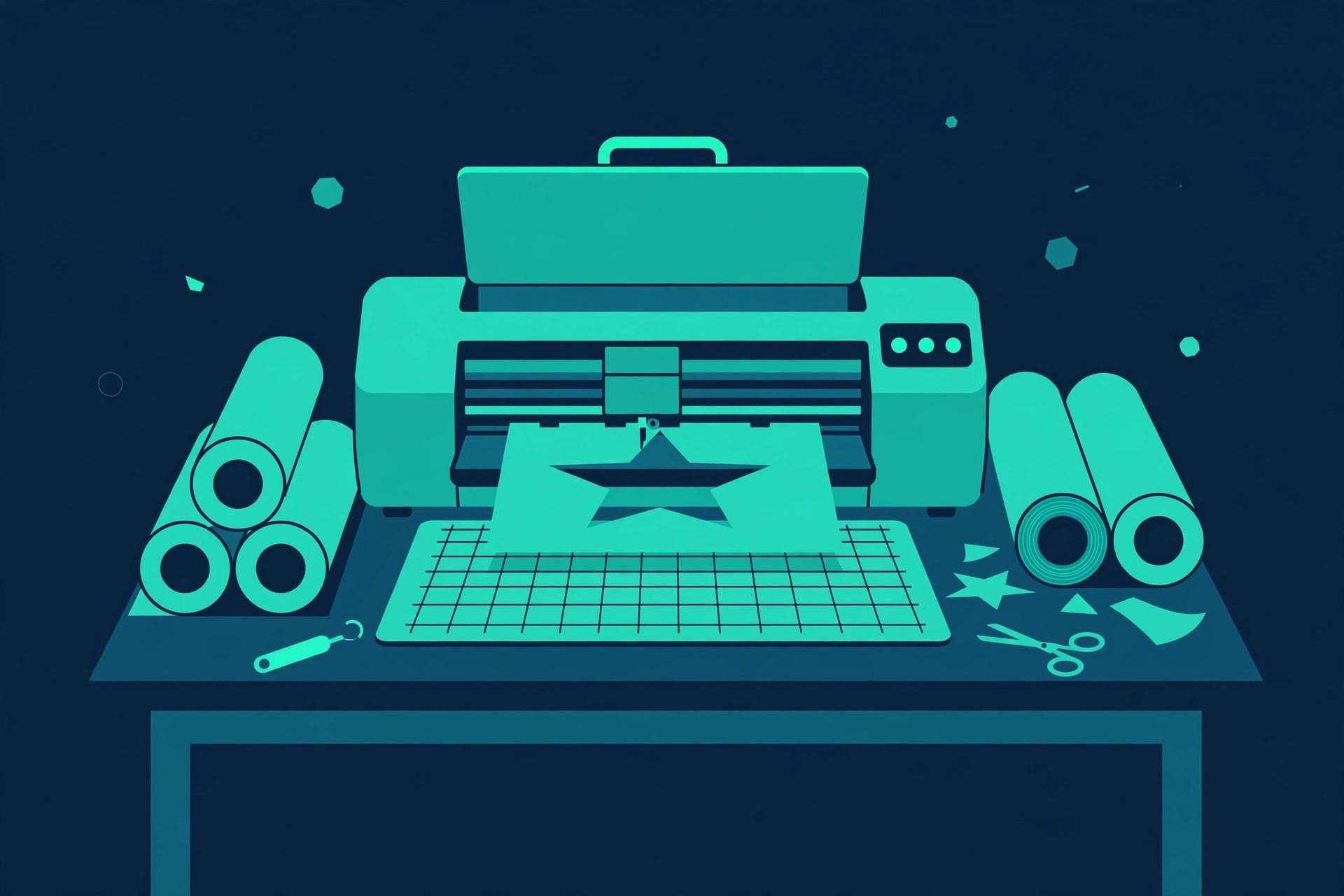
A cutting machine is the closest thing to a money printer an Etsy seller can legally own. Vinyl decals, iron-on shirts, stickers, paper crafts, stencils — the product categories it unlocks are exactly the ones with the best margins on Etsy. But the three big brands lock you into three different ecosystems, and switching later means relearning software and rebuying accessories. Choose once, choose right.
The four machines below cover the full range: the all-rounder, the precision pick, the scanner-equipped oddball, and the compact starter. Here's the honest breakdown.
The short answer
- Best overall: Cricut Maker 3 (~$400) — cuts 300+ materials, 13 tools, fastest of the bunch. The default choice for a reason. Check price on Amazon →
- Best precision/software: Silhouette Cameo 5 (~$300) — the most capable free software, 12-inch width, quiet and fast. Check price on Amazon →
- Best built-in scanner: Brother ScanNCut SDX125E (~$300) — the only one with a scanner. Scan a drawing, cut it, no computer needed. Check price on Amazon →
- Best compact starter: Cricut Joy Xtra (~$200) — print-then-cut stickers in a machine the size of a loaf of bread. Check price on Amazon →
Cricut Maker 3 — the all-rounder
The Maker 3 is the best-selling full-size cutting machine for a reason: it cuts 300+ materials (vinyl, iron-on, cardstock, fabric, leather, balsa wood), works with 13 different tools for cutting, scoring, engraving, and foiling, and cuts twice as fast as the previous Maker. Cricut's Smart Materials let you cut up to 12 feet long without a mat — genuinely useful for wall decals and banners.
Honest pros:
- Widest material and tool compatibility — the most versatile machine here
- 2x faster than the Maker, and Smart Materials skip the mat entirely
- Huge community: every project tutorial on YouTube assumes a Cricut
- Design Space is beginner-friendly; most sellers are productive on day one
Honest cons:
- Design Space requires an internet connection — no offline designing
- Cricut Access subscription ($10/mo) paywalls many fonts and images
- The priciest machine here, and accessories add up fast
Silhouette Cameo 5 — the precision pick
The Cameo 5 is the machine for sellers who care about design control. Silhouette Studio — the free included software — is more capable than Cricut's Design Space: proper vector editing, no subscription needed for core features, works offline. The machine itself cuts up to 400mm/s, runs quieter than the Cricut, and the AutoBlade adjusts depth automatically.
Honest pros:
- Best free software of the three — powerful, offline, no subscription pressure
- Fast (400mm/s) and noticeably quieter than the Maker 3
- 12-inch cutting width handles standard vinyl rolls with room to spare
- Print-and-cut registration is the most accurate in its class
Honest cons:
- Smaller community than Cricut — fewer ready-made projects and tutorials
- Software has a learning curve; beginners may find Design Space easier
- Accessory ecosystem (blades, mats) is thinner than Cricut's
Brother ScanNCut SDX125E — the scanner pick
The ScanNCut is the only cutting machine with a built-in 600dpi scanner, and that changes the workflow completely: scan a hand drawing and cut it directly, scan printed sticker sheets and cut them out precisely, scan your material so designs place perfectly without measuring. It holds 682 built-in patterns, reads SVG files, and the 5-inch touchscreen means the computer is optional.
Honest pros:
- Built-in scanner is genuinely unique — nothing else does this
- Works standalone via touchscreen; the computer is optional
- Auto blade detects material thickness — no manual blade settings
- 682 built-in patterns and 9 fonts included, no subscription
Honest cons:
- Smallest community and tutorial base of the three brands
- CanvasWorkspace software lags behind Design Space and Studio
- Bulkier and heavier than the Cricut and Silhouette
Cricut Joy Xtra — the compact starter
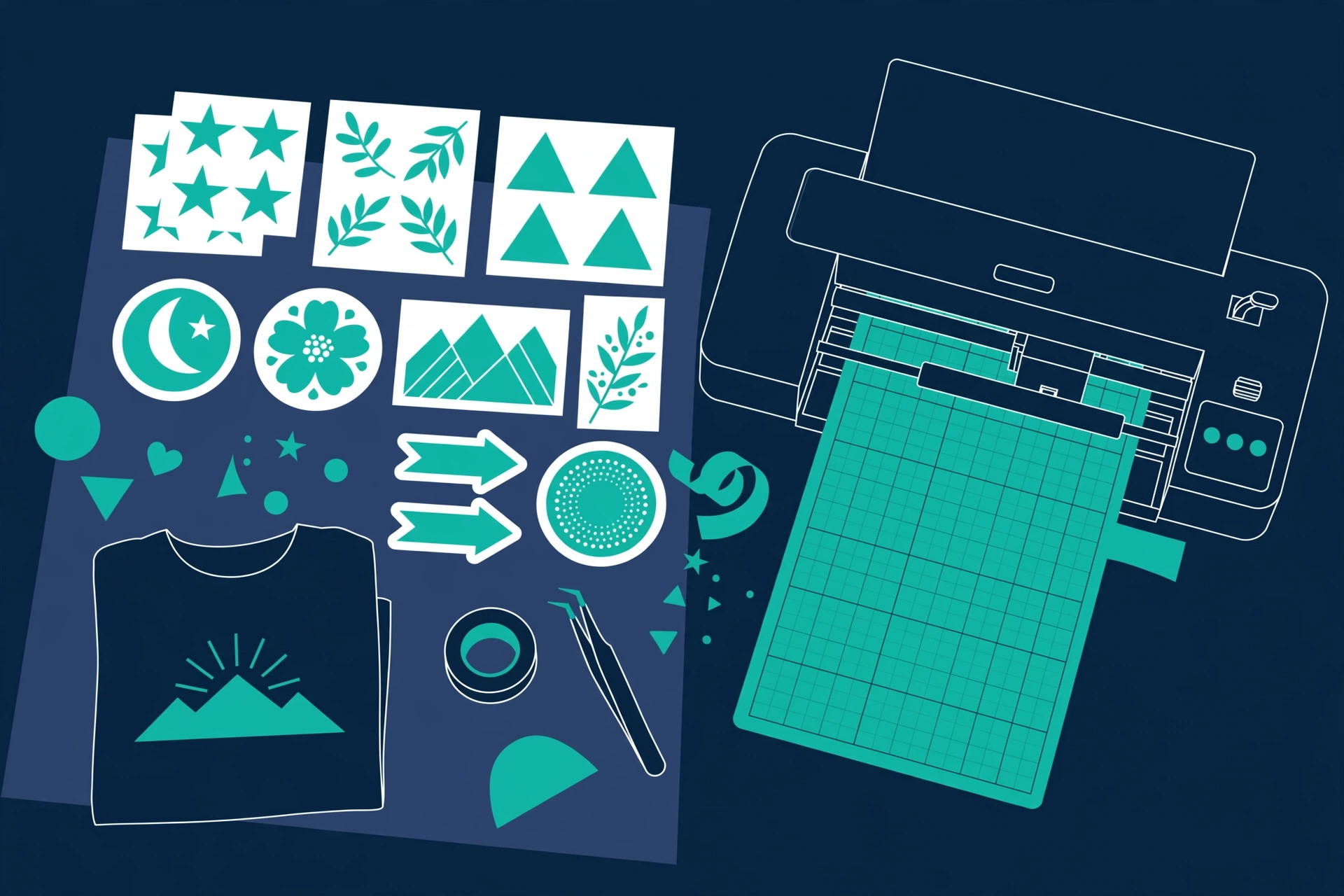
The Joy Xtra is for sellers who mainly make stickers, decals, and cards. It's the size of a loaf of bread, costs half what the Maker 3 does, and does print-then-cut — pair it with a home inkjet printer for full-color stickers. It cuts 50+ materials, which covers everything a sticker and decal shop needs. What it can't do: big projects, thick materials, or engraving.
Honest pros:
- Half the price of full-size machines, fits anywhere
- Print-then-cut works great for sticker shops
- Same beginner-friendly Design Space software as the big Cricuts
- Quiet and fast enough for its size
Honest cons:
- Smaller cutting area — no large decals or banners
- 50+ materials vs 300+ on the Maker 3; no thick materials
- You'll outgrow it if your product line expands beyond stickers and decals
Side-by-side
| Cricut Maker 3 | Silhouette Cameo 5 | Brother SDX125E | Cricut Joy Xtra | |
|---|---|---|---|---|
| Typical price | ~$400 | ~$300 | ~$300 | ~$200 |
| Cutting width | 13 in | 12 in | 12 in | 8.5 in |
| Materials | 300+ | 100+ | 100+ | 50+ |
| Built-in scanner | No | No | Yes (600dpi) | No |
| Works offline | No | Yes | Yes | No |
| Print-then-cut | Yes | Yes | Yes | Yes |
| Best for | Do everything | Design control | Scanning workflow | Stickers & decals |
How to choose
Pick by product line, not by brand loyalty. Stickers, decals, and cards only? The Joy Xtra saves you $200. Vinyl apparel and mixed crafts? The Maker 3 or Cameo 5. Hand-drawn designs you want to digitize? Only the Brother scans.
Software matters more than hardware. You'll spend 10x more hours in the design software than watching the machine cut. Try all three free apps before buying: Cricut Design Space, Silhouette Studio, and Brother CanvasWorkspace. The one that clicks for you is the right ecosystem.
Budget for the extras. Whichever machine you buy, plan another $50–100 for starter vinyl, transfer tape, weeding tools, and replacement blades. The machine is the entry ticket; materials are the ongoing cost. Price your Etsy listings accordingly.
FAQ
Can a cutting machine actually make money on Etsy?
It's one of the most proven Etsy product categories: custom vinyl decals, personalized shirts, stickers, and paper crafts all have strong demand and healthy margins. The machine pays for itself with consistent listing output, not with any single product.
Do I need a computer, or will a phone/tablet work?
All four machines work with phones and tablets via their apps. But designing is meaningfully easier on a computer — bigger screen, precise mouse control. A cheap laptop beats a nice tablet for this.
Cricut vs Silhouette — which is better for beginners?
Cricut's Design Space is easier to learn; Silhouette Studio is more powerful once learned. If you've never designed anything, start with Cricut. If you already use vector software, you'll prefer Silhouette.
What's the catch with the cheap machines?
Cutting width and material range. The Joy Xtra can't do large-format work or thick materials. If your best-selling idea needs 12-inch vinyl, the "cheap" machine becomes the expensive mistake.